> ## Documentation Index
> Fetch the complete documentation index at: https://help.konfhub.com/llms.txt
> Use this file to discover all available pages before exploring further.
# Partners
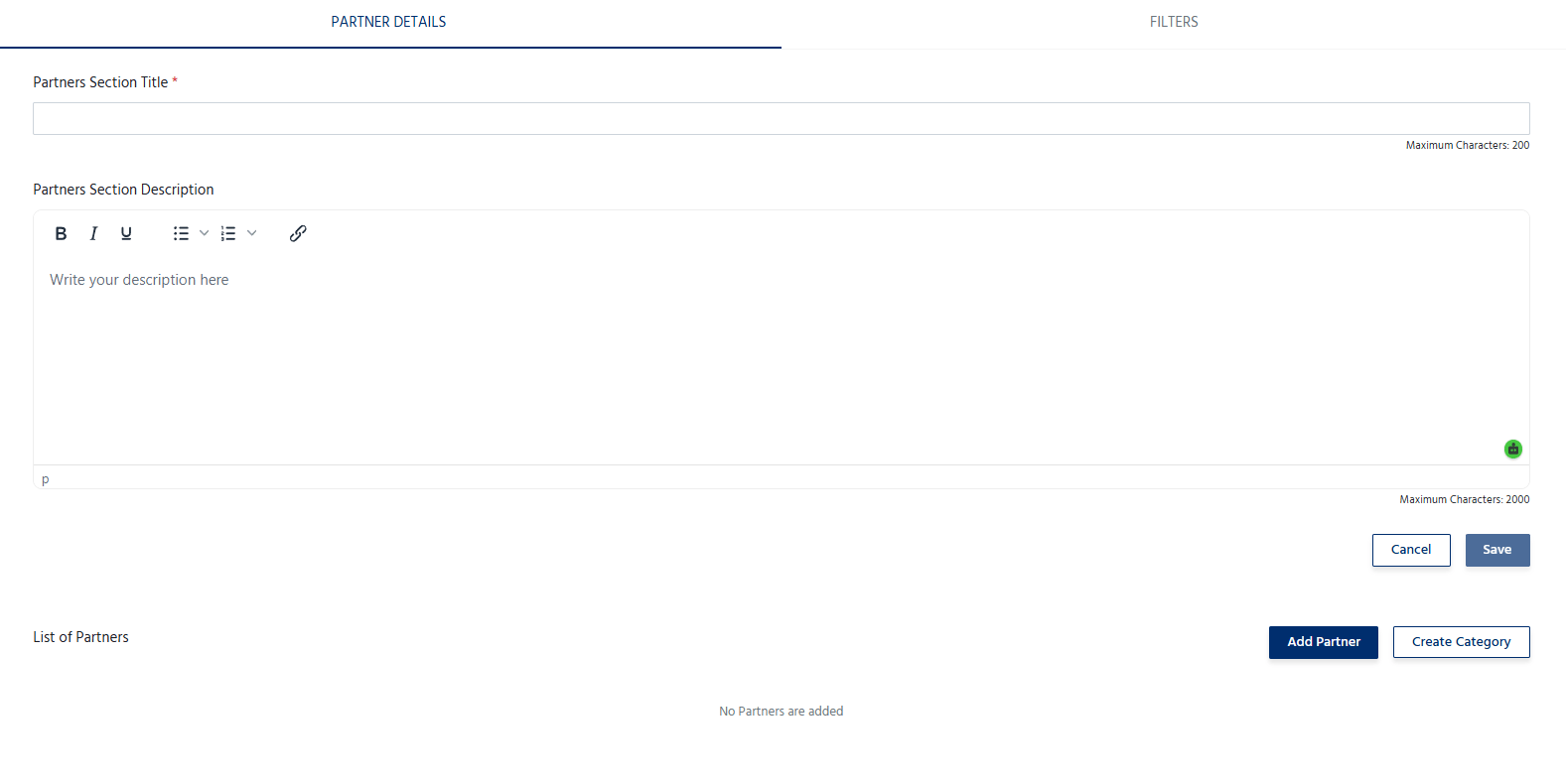
The **Partners** section allows organizers to add and manage organizations that are collaborating with or supporting the event. Partners may include community partners, media partners, knowledge partners, technology partners, academic institutions, or other organizations associated with the event.
Displaying partner information helps recognize collaborations, strengthen credibility, and provide attendees with information about the organizations contributing to the event.
 ## Add a Partner
To add a partner:
1. Navigate to the **Partners** section.
2. Click **Add Partner**.
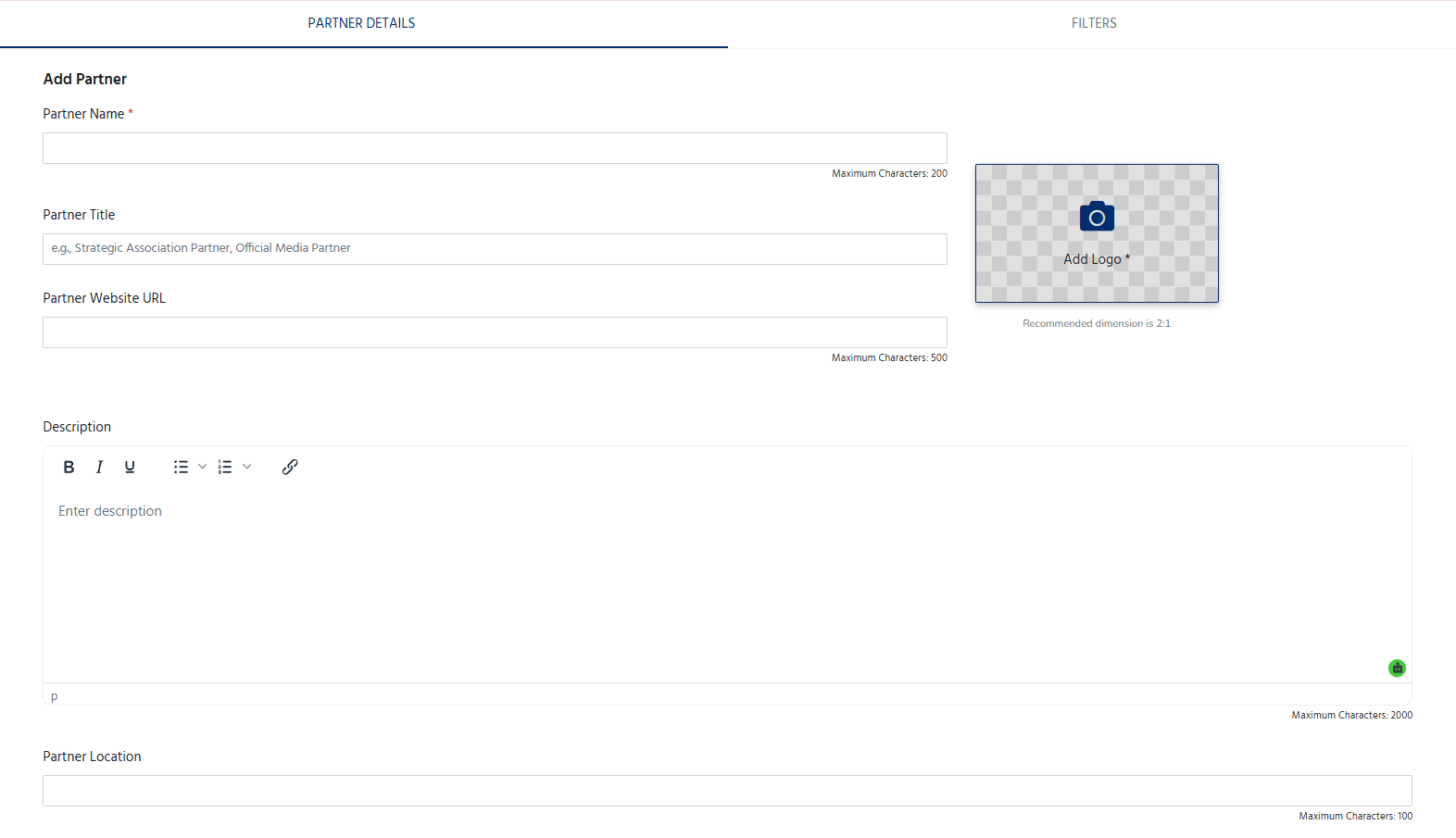
3. Enter the partner's details, including:
* **Partner Name** – The official name of the partner organization.
* **Partner Logo** – Upload a high-quality logo.
* **Partner Category** – Select or specify the type of partnership (e.g., Community Partner, Media Partner, Technology Partner, Knowledge Partner, Academic Partner).
* **Website URL** – Add the partner's official website (optional).
* **Description** – Provide a brief overview of the organization and its role in the event (optional).
## Add a Partner
To add a partner:
1. Navigate to the **Partners** section.
2. Click **Add Partner**.
3. Enter the partner's details, including:
* **Partner Name** – The official name of the partner organization.
* **Partner Logo** – Upload a high-quality logo.
* **Partner Category** – Select or specify the type of partnership (e.g., Community Partner, Media Partner, Technology Partner, Knowledge Partner, Academic Partner).
* **Website URL** – Add the partner's official website (optional).
* **Description** – Provide a brief overview of the organization and its role in the event (optional).
 4. Add the tags, Point of contact and representatives.
5. Click **Save** to publish the partner on the event page.
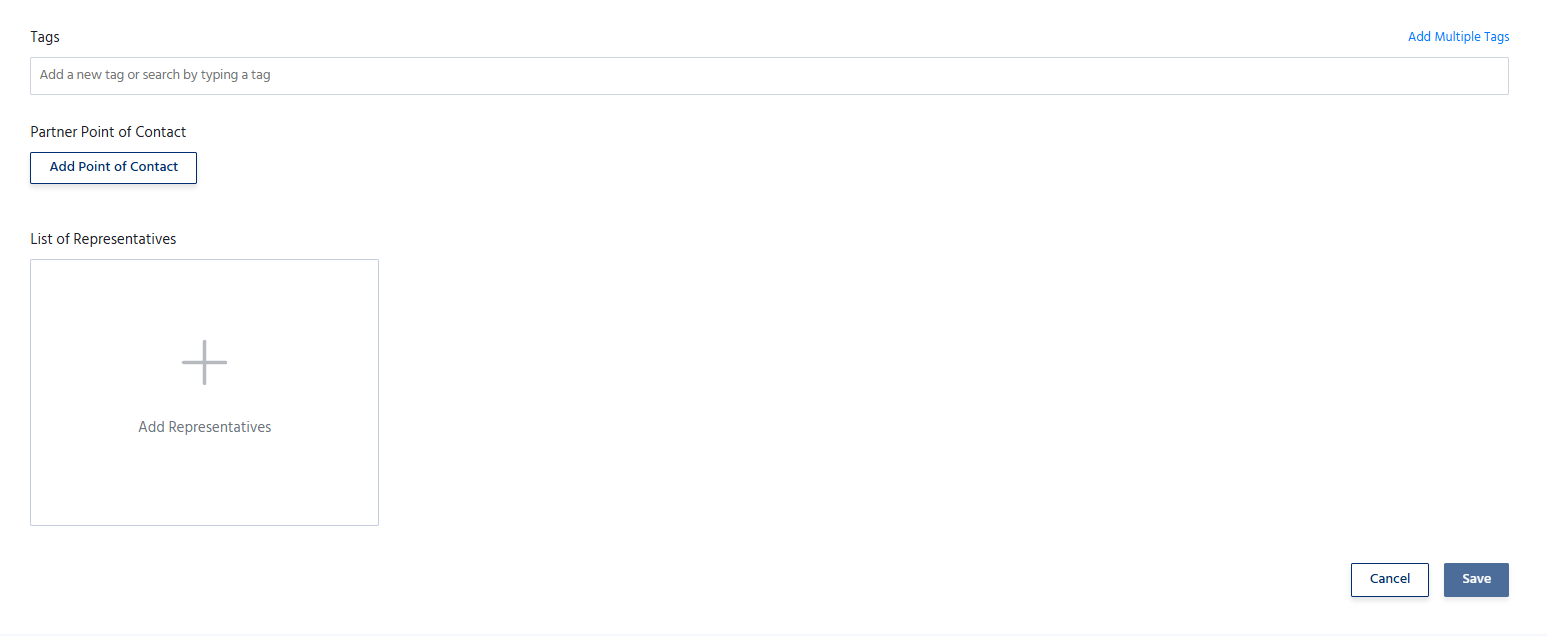
4. Add the tags, Point of contact and representatives.
5. Click **Save** to publish the partner on the event page.
 ## Manage Partners
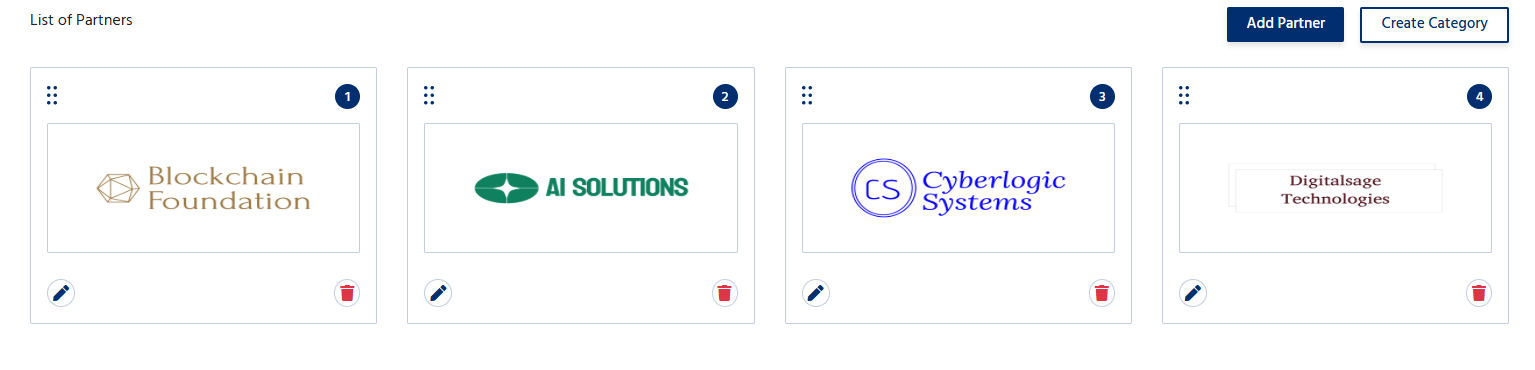
The Partners section allows organizers to:
* Add multiple partners.
* Edit partner information at any time.
* Update logos, descriptions, or website links.
* Remove partners who are no longer associated with the event.
* Organize partners based on their partnership category or display order.
## Manage Partners
The Partners section allows organizers to:
* Add multiple partners.
* Edit partner information at any time.
* Update logos, descriptions, or website links.
* Remove partners who are no longer associated with the event.
* Organize partners based on their partnership category or display order.