> ## Documentation Index
> Fetch the complete documentation index at: https://help.konfhub.com/llms.txt
> Use this file to discover all available pages before exploring further.
# Speakers
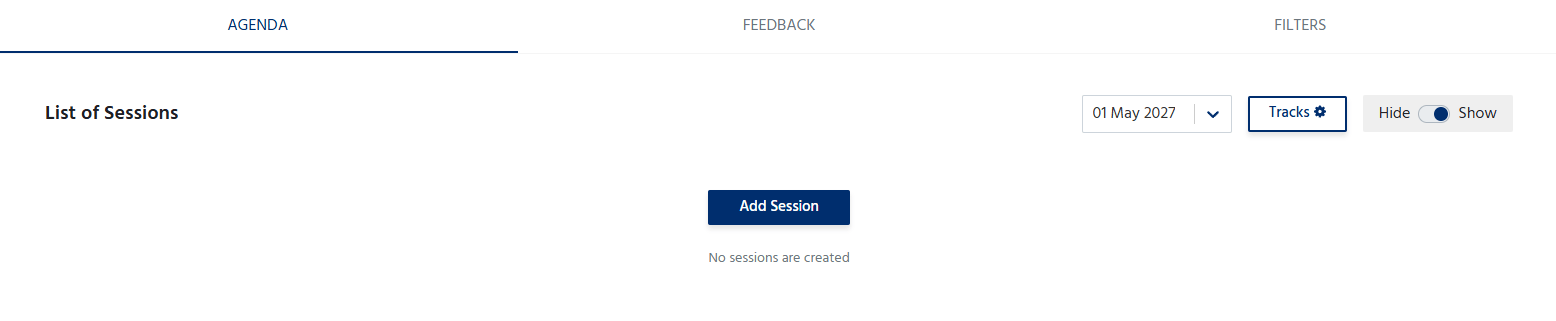
The **Speakers** section allows organizers to showcase the speakers who will be presenting or participating in the event. Displaying speaker information helps attendees learn more about the experts, industry leaders, or guest speakers featured at the event.
 ***
## Add a Speaker
To add a speaker:
1. Click **Add Speaker**.
2. Enter the speaker's details, including:
* **Name** – Full name of the speaker.
* **Designation** – Current job title or role.
* **Organization** – Company or organization the speaker represents.
* **Profile Photo** – Upload a professional image of the speaker.
* **Description** – A brief introduction highlighting the speaker's background, expertise, and achievements.
***
## Add a Speaker
To add a speaker:
1. Click **Add Speaker**.
2. Enter the speaker's details, including:
* **Name** – Full name of the speaker.
* **Designation** – Current job title or role.
* **Organization** – Company or organization the speaker represents.
* **Profile Photo** – Upload a professional image of the speaker.
* **Description** – A brief introduction highlighting the speaker's background, expertise, and achievements.
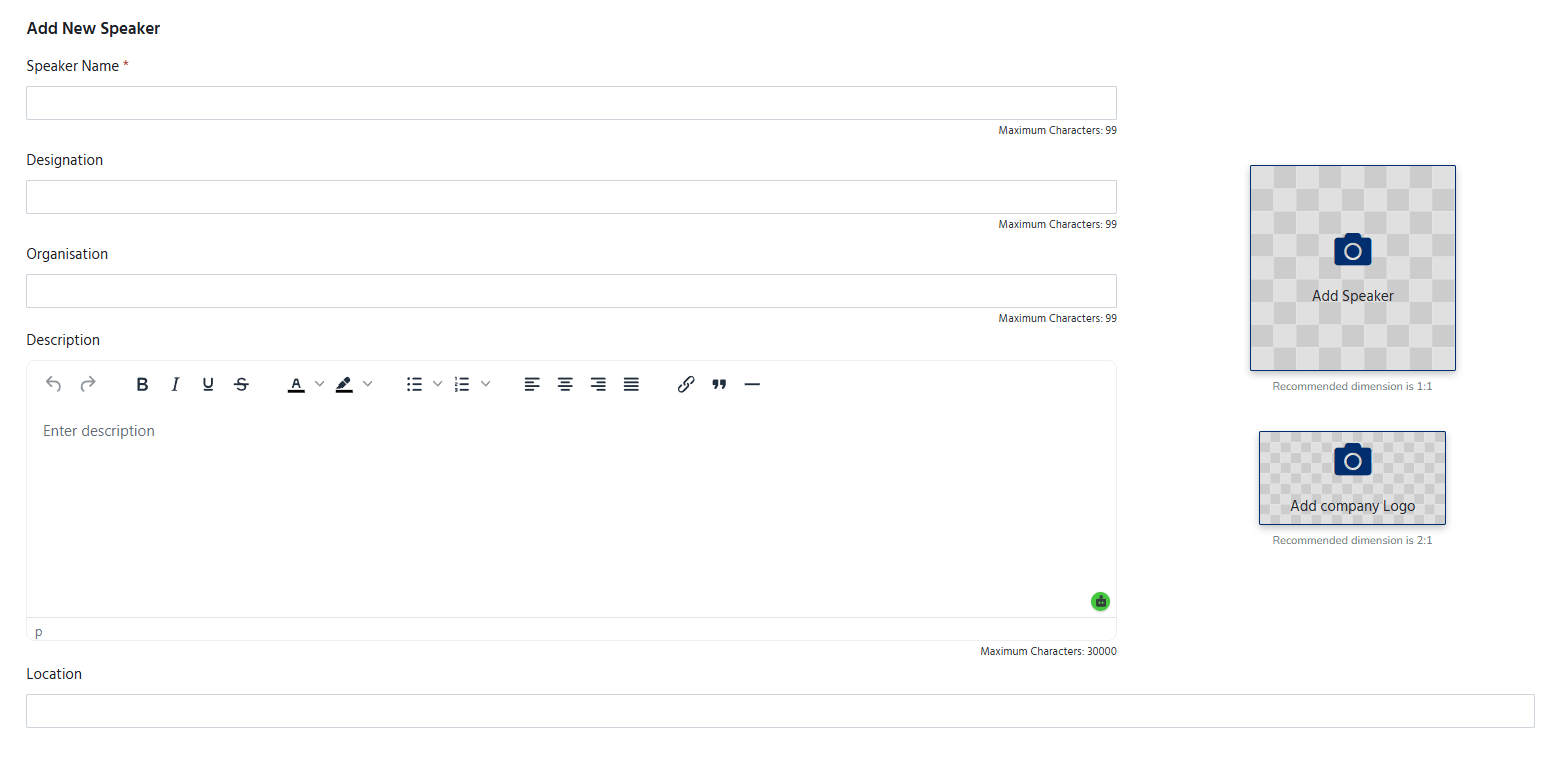 * **Social Media Links** (if applicable) – Add links to platforms such as LinkedIn, X (Twitter), or the speaker's personal website.
3. Save the details to publish the speaker on the event page.
* **Social Media Links** (if applicable) – Add links to platforms such as LinkedIn, X (Twitter), or the speaker's personal website.
3. Save the details to publish the speaker on the event page.
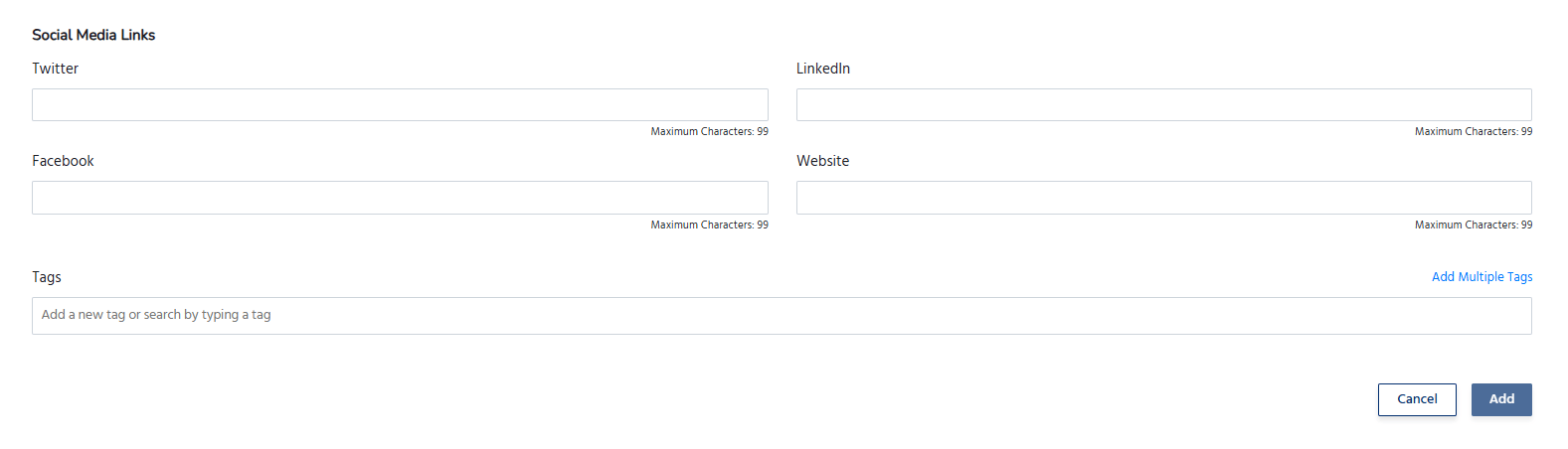 Also you can create categories of the speakers
## Manage Speakers
The Speakers section allows organizers to:
* Add multiple speakers for an event.
* Edit speaker information at any time.
* Update profile photos or biographies.
* Remove speakers who are no longer participating.
* Arrange the display order of speakers, if supported.
Also you can create categories of the speakers
## Manage Speakers
The Speakers section allows organizers to:
* Add multiple speakers for an event.
* Edit speaker information at any time.
* Update profile photos or biographies.
* Remove speakers who are no longer participating.
* Arrange the display order of speakers, if supported.
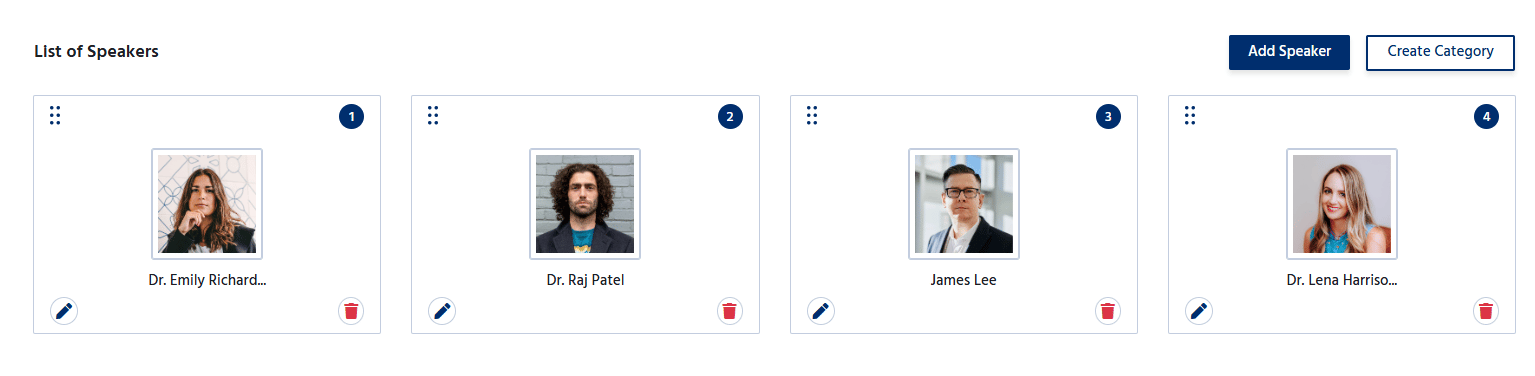 Adding speaker details helps showcase the expertise of the event's presenters. Increase attendee interest and engagement.
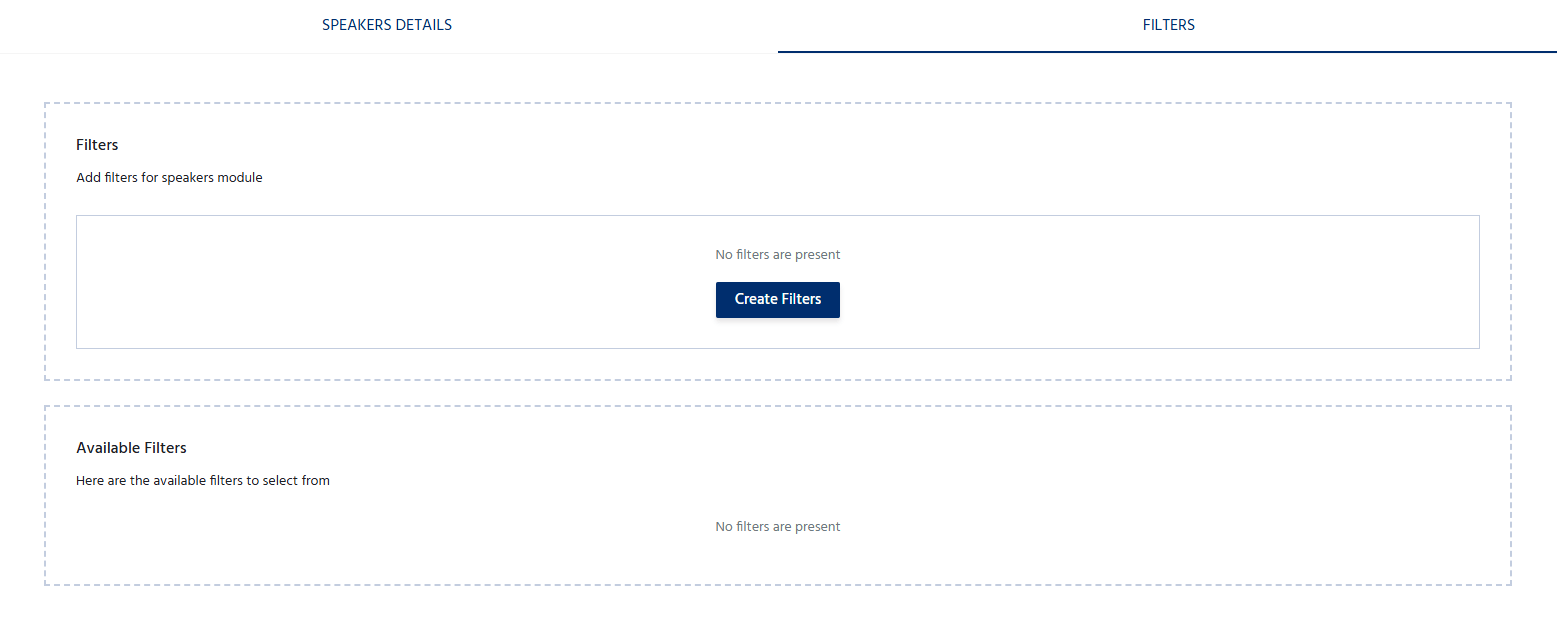
Also filter them as per your sections
Adding speaker details helps showcase the expertise of the event's presenters. Increase attendee interest and engagement.
Also filter them as per your sections