> ## Documentation Index
> Fetch the complete documentation index at: https://help.konfhub.com/llms.txt
> Use this file to discover all available pages before exploring further.
# Sponsors
The **Sponsors** section allows organizers to showcase the sponsors supporting their event. Displaying sponsor information on the event page increases brand visibility, recognizes sponsor contributions, and helps attendees identify event partners.
 ***
## Add a Sponsor
To add a sponsor:
1. Navigate to the **Sponsors** section.
2. Click **Add Sponsor**.
3. Enter the sponsor's details, including:
* **Sponsor Name** – The official name of the sponsor.
* **Sponsor Logo** – Upload a high-quality logo for display on the event page.
* **Website URL** – Add the sponsor's official website (optional).
* **Description** – Provide a brief overview of the sponsor or partnership (optional).
* **Sponsorship Category** – Assign the sponsor to a category such as **Title Sponsor**, **Gold Sponsor**, **Silver Sponsor**, **Bronze Sponsor**, or any custom category (if applicable).
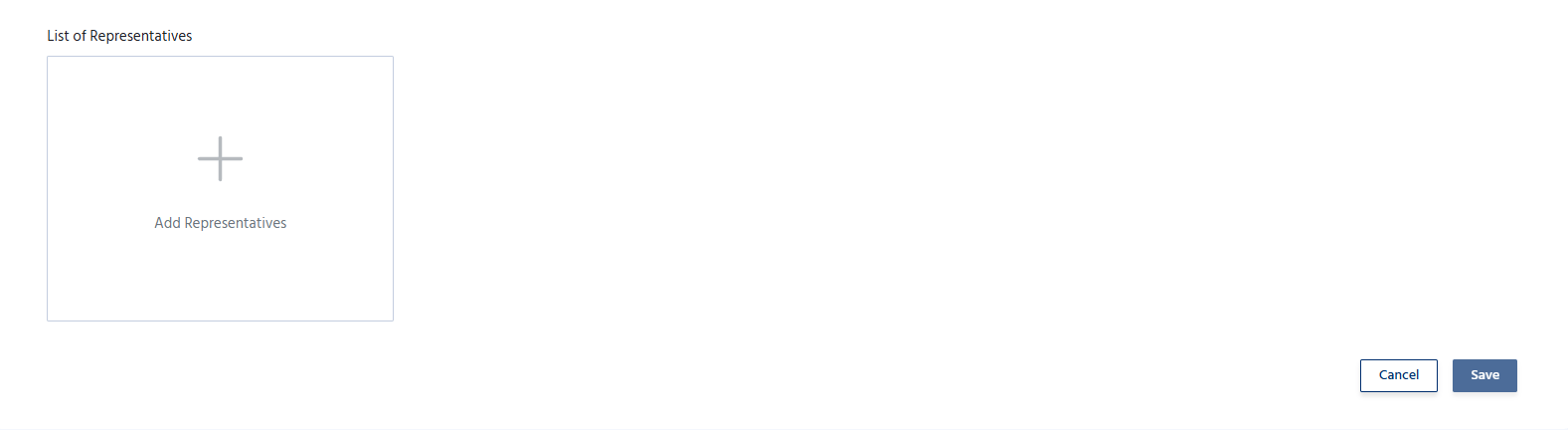
4. The **Representatives** section allows organizers to add and manage event representatives who will be displayed on the event page. Representatives act as points of contact for attendees, helping them with event-related queries and support
5. Save the sponsor details to publish them on the event page.
***
## Add a Sponsor
To add a sponsor:
1. Navigate to the **Sponsors** section.
2. Click **Add Sponsor**.
3. Enter the sponsor's details, including:
* **Sponsor Name** – The official name of the sponsor.
* **Sponsor Logo** – Upload a high-quality logo for display on the event page.
* **Website URL** – Add the sponsor's official website (optional).
* **Description** – Provide a brief overview of the sponsor or partnership (optional).
* **Sponsorship Category** – Assign the sponsor to a category such as **Title Sponsor**, **Gold Sponsor**, **Silver Sponsor**, **Bronze Sponsor**, or any custom category (if applicable).
4. The **Representatives** section allows organizers to add and manage event representatives who will be displayed on the event page. Representatives act as points of contact for attendees, helping them with event-related queries and support
5. Save the sponsor details to publish them on the event page.
 ## Manage Sponsors
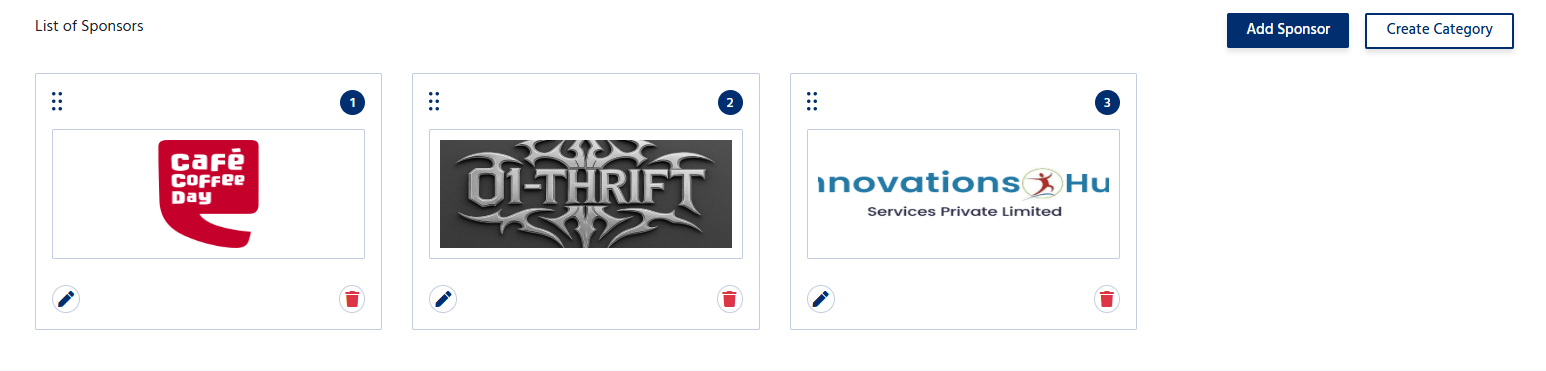
The Sponsors section allows organizers to:
* Add multiple sponsors.
* Edit sponsor information at any time.
* Update sponsor logos, descriptions, or website links.
* Remove sponsors who are no longer associated with the event.
* Organize sponsors based on their sponsorship level or display order.
## Manage Sponsors
The Sponsors section allows organizers to:
* Add multiple sponsors.
* Edit sponsor information at any time.
* Update sponsor logos, descriptions, or website links.
* Remove sponsors who are no longer associated with the event.
* Organize sponsors based on their sponsorship level or display order.
 Adding sponsors helps organizers recognize and promote sponsor partnerships.