Tax Details
If you do not want to collect tax
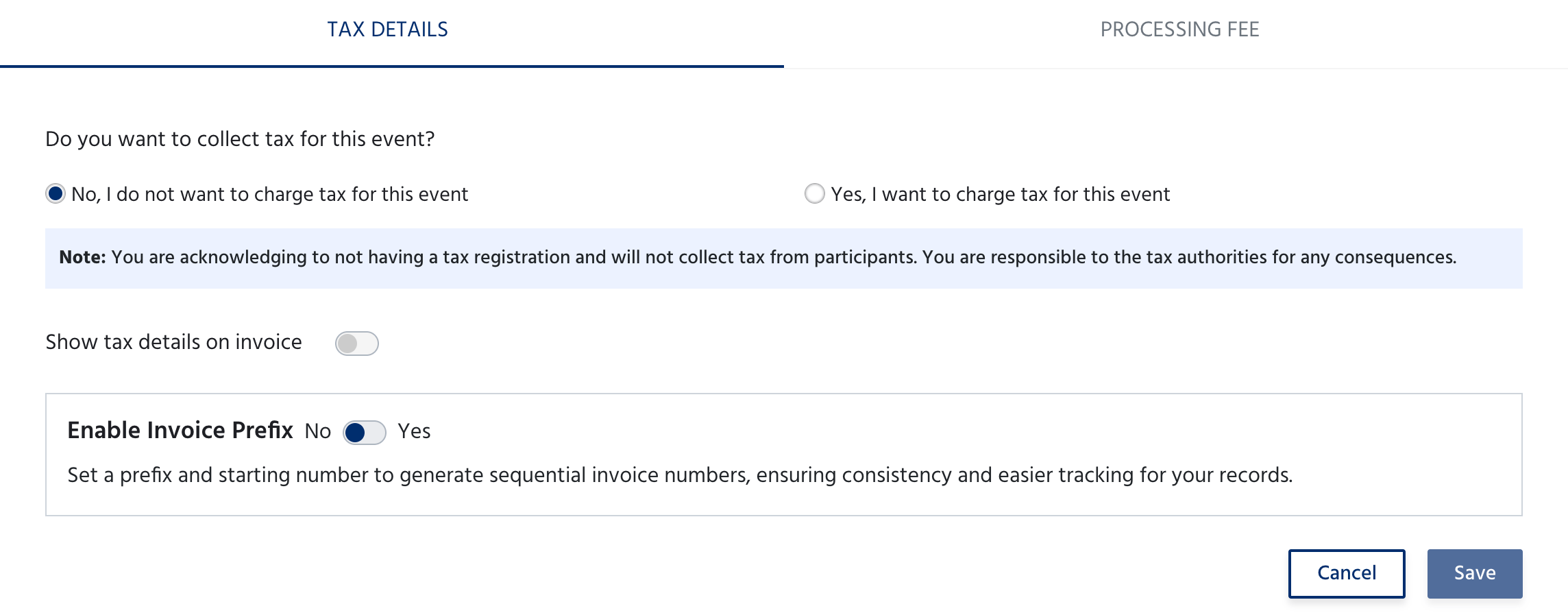
By selecting this, you acknowledge that you do not have a tax registration and will not collect tax from participants. You are responsible to the tax authorities for any consequences.
If you want to collect tax
Select Yes, I want to charge tax for this event. Additional fields appear to configure your tax details.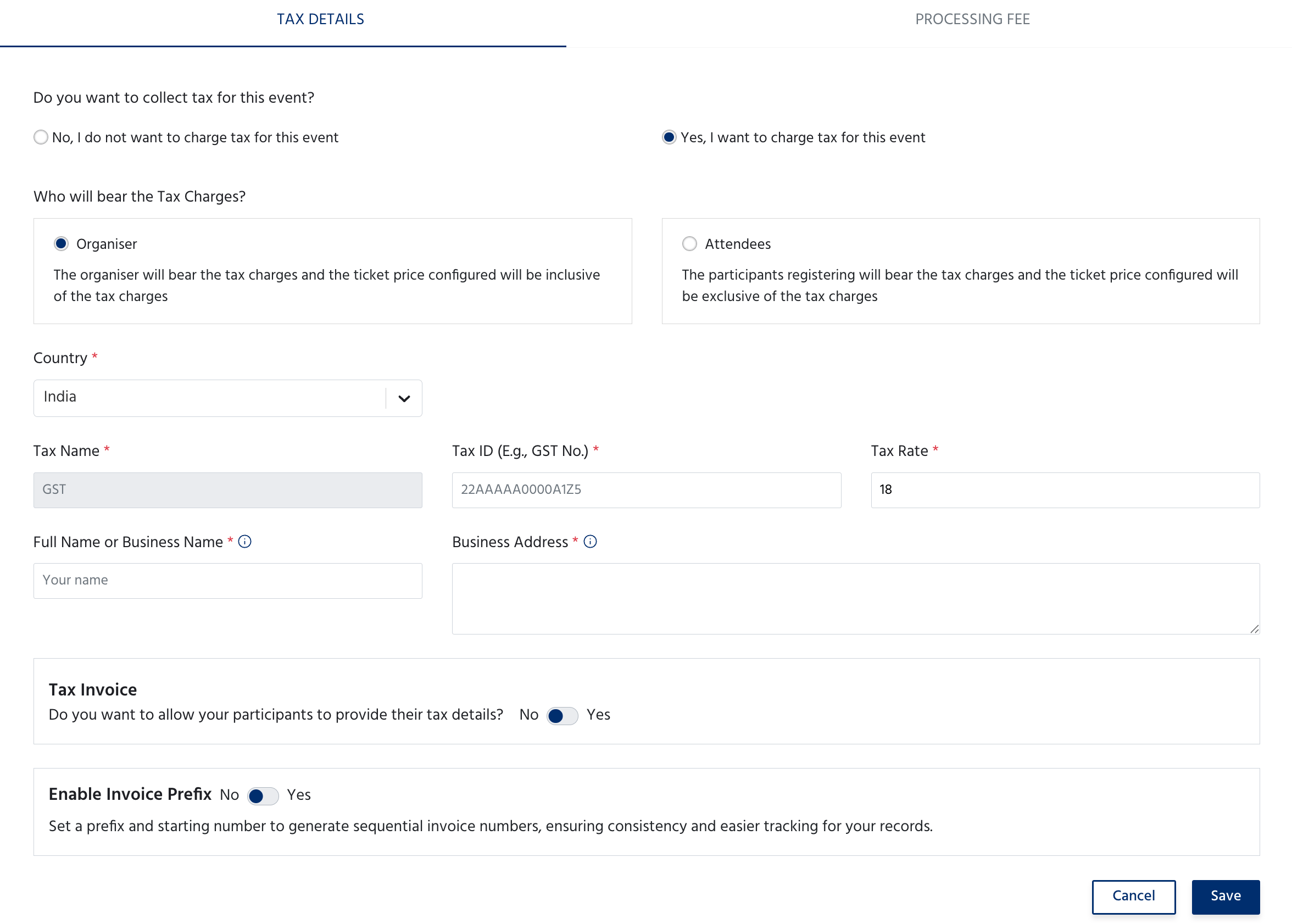
Tax Invoice - Toggle Yes to allow attendees to provide their own GST number at registration, so invoices can be issued to their business.
Enable Invoice Prefix - Toggle Yes to set a custom prefix and starting number for invoice numbers, ensuring sequential and consistent invoice tracking.
Click Save to apply, or Cancel to discard.
Processing Fee
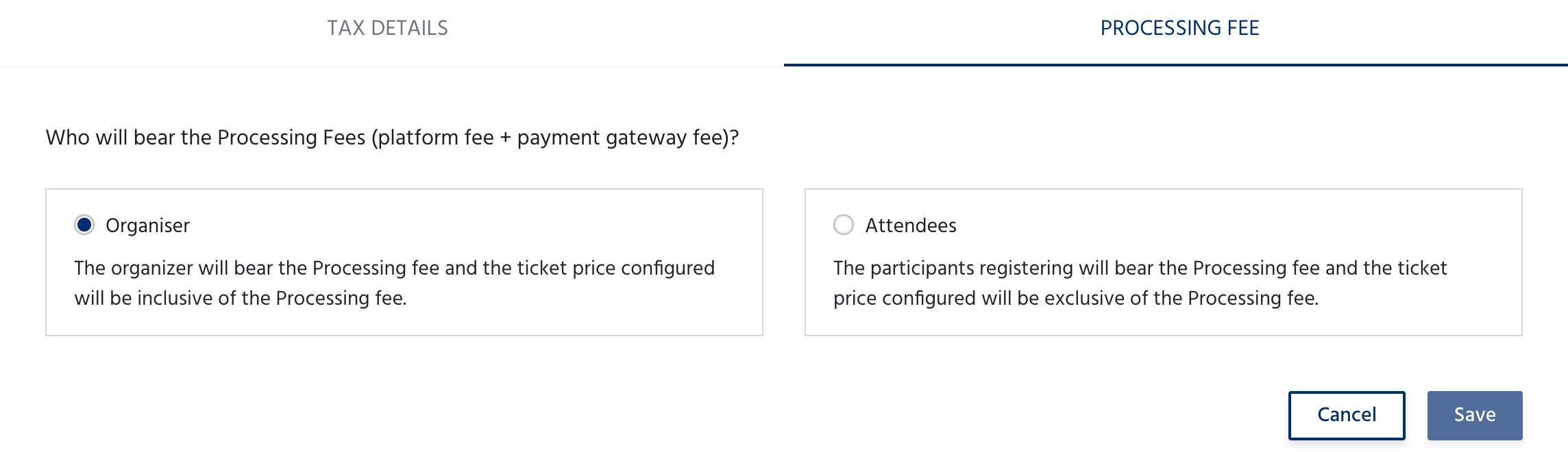
Click Save to apply your selection.