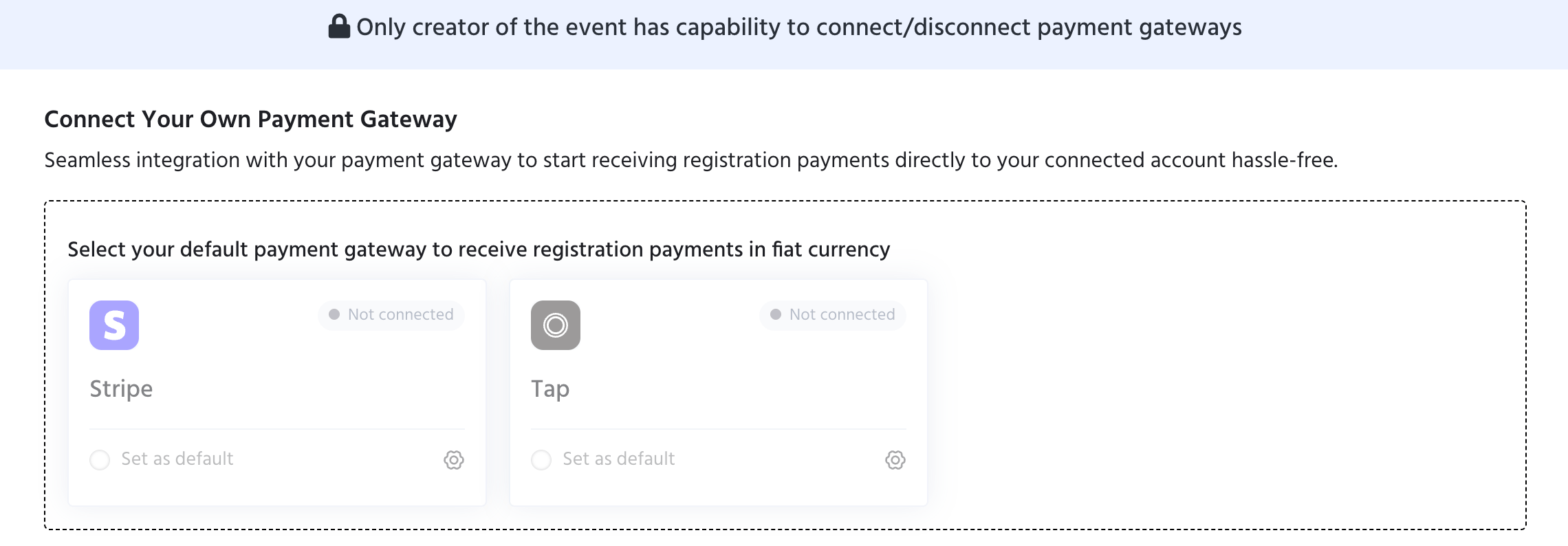
For organisers outside India, KonfHub does not collect payments on your behalf. Instead, you connect your own payment gateway and all settlements go directly to your connected account. Navigate to Event Dashboard → Payments & Taxes → Connect your PG to set this up.
Only the creator of the event can connect or disconnect payment gateways.
Screenshot 2026 06 25 At 14 41 21 1

Supported Payment Gateways

How to Connect

  1. Click the settings icon on the gateway you want to connect
  2. Follow the prompts to link your existing account
  3. Once connected, select Set as default to make it the primary gateway for your event
You can connect both gateways and switch between them, but only one can be set as default at a time.

Tax & Charges

Configure tax collection and processing fee settings for your event.