Basic Info
The Basic Info tab covers all the essential details about your event.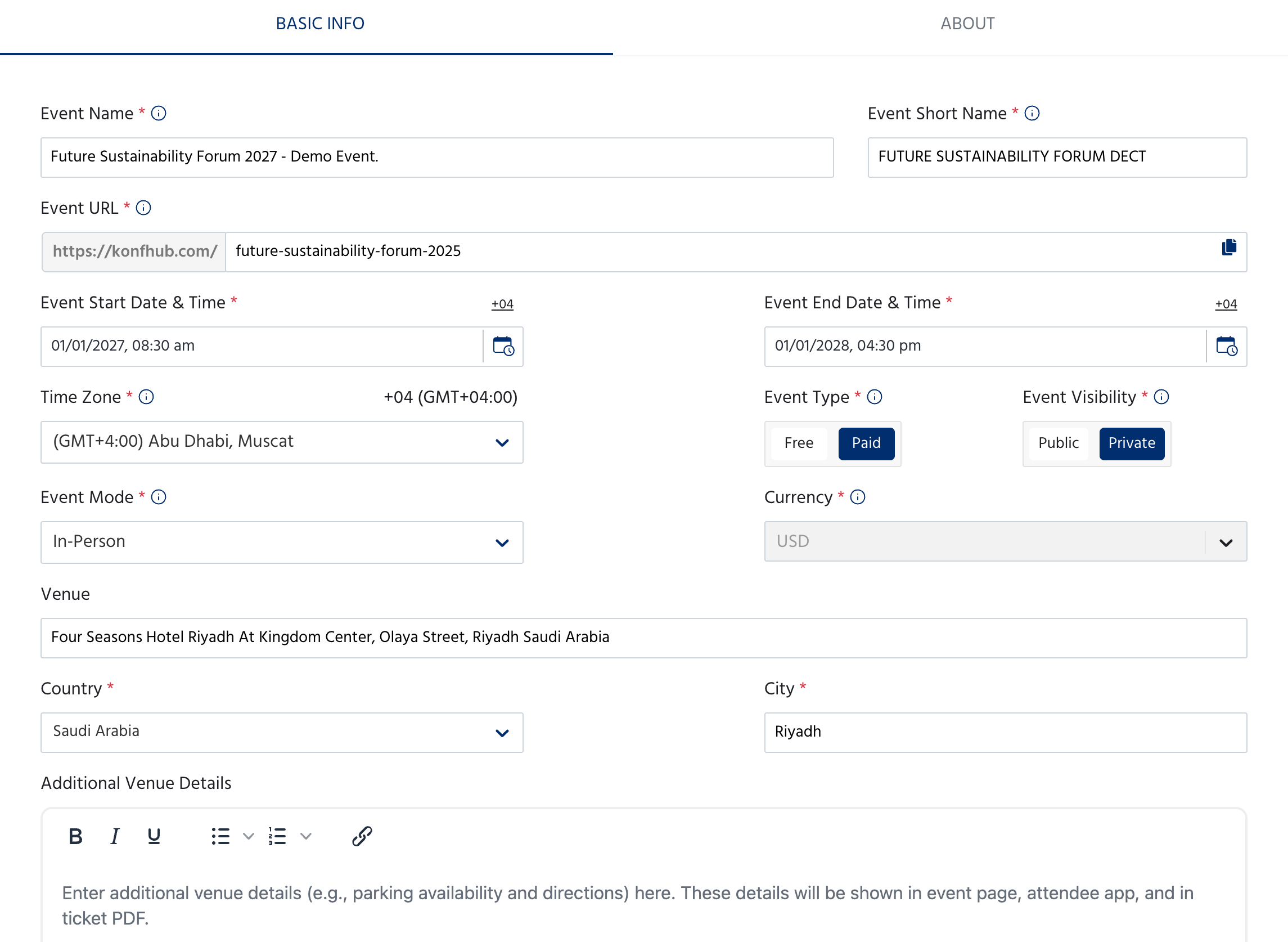
Event Identity
Date, Time & Location
Event Settings
Event Banner
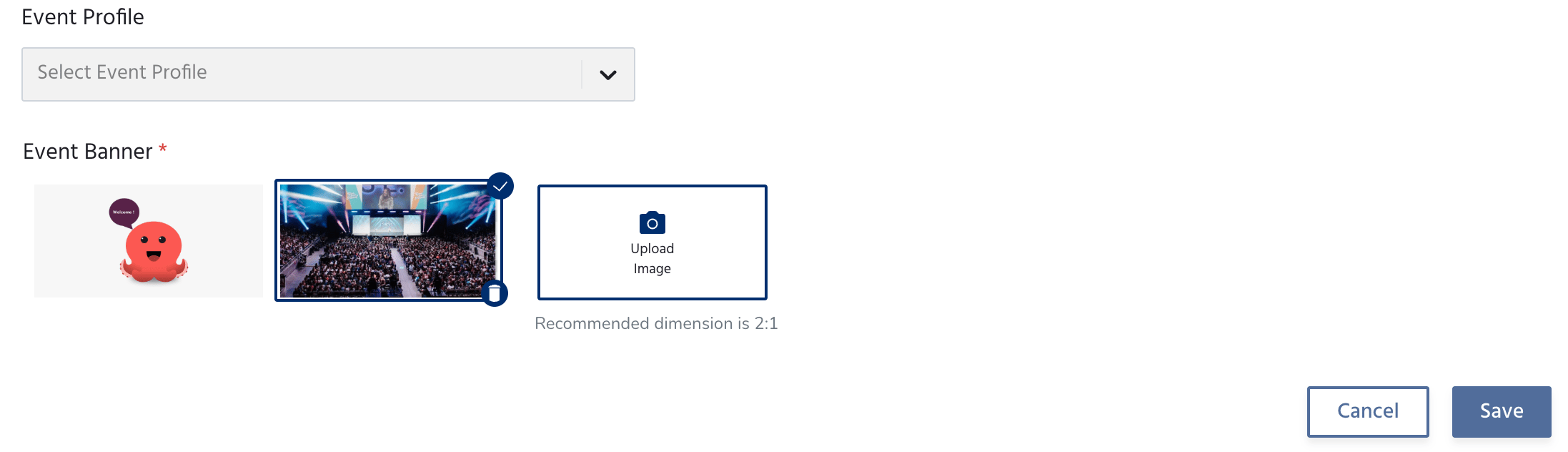
The recommended banner dimension is 2:1 (for example, 1200 × 600 px). Use a high-resolution image for the best appearance across devices.
About
The About tab is where you tell attendees what your event is about. This content appears on your public event page.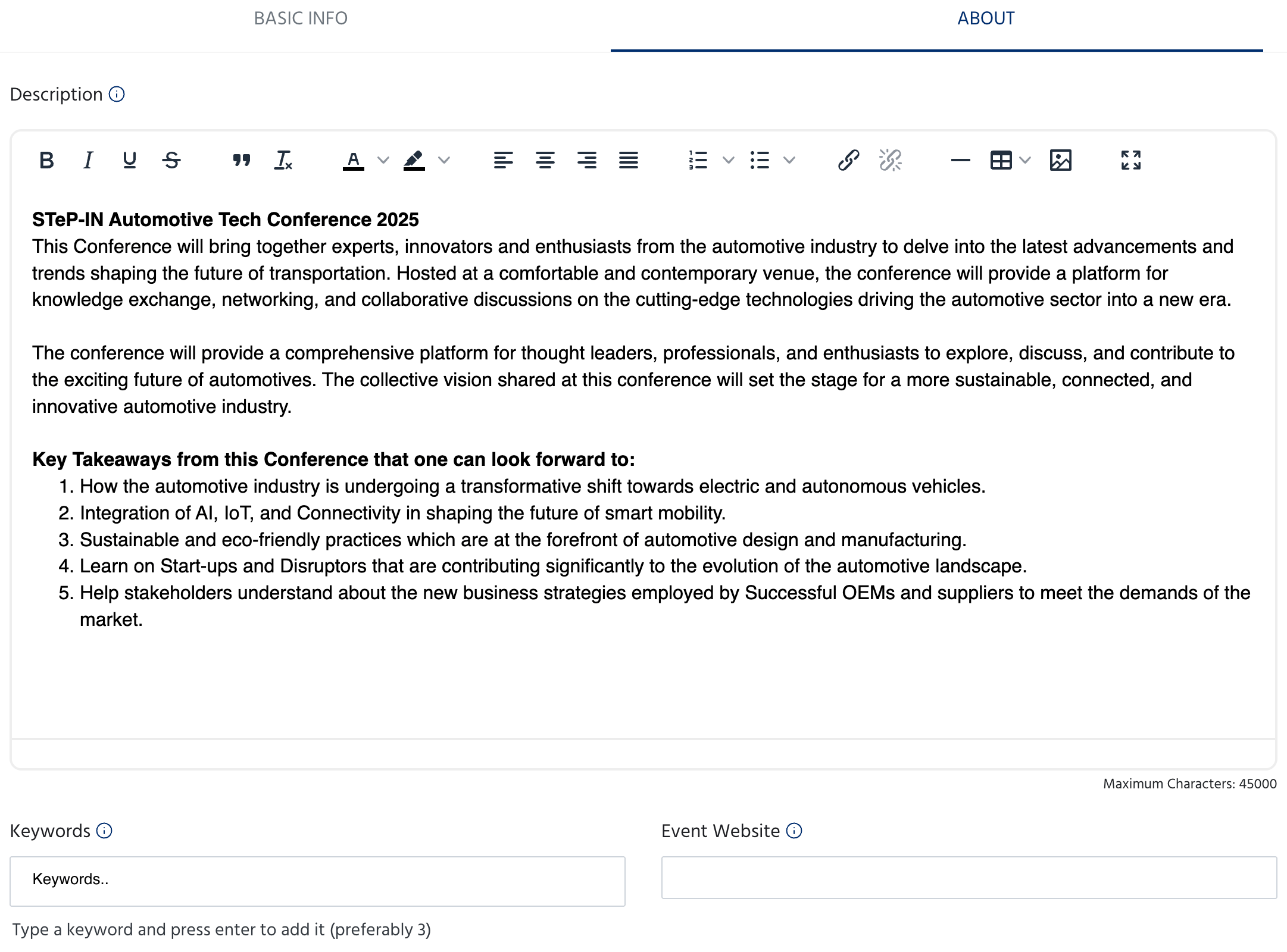
Description
A full rich text editor where you can write your event description. You can use bold, italic, underline, strikethrough, headings, bullet lists, numbered lists, tables, images, and links. Use this space to cover:- What the event is about
- Who it is for
- Key topics, sessions, or highlights
- What attendees can expect to take away
The description has a maximum of 45,000 characters.
Keywords & Website
Expected Speakers & Participants
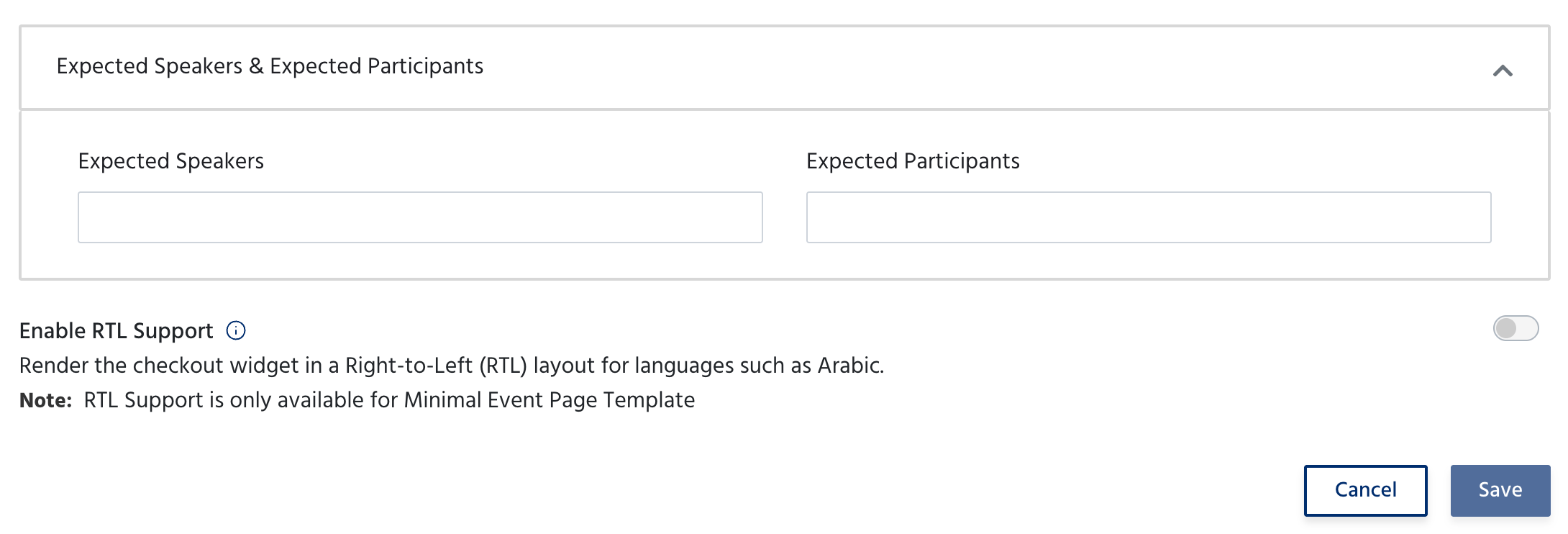
RTL Support
If your event content is in a right-to-left language such as Arabic, toggle Enable RTL Support to render the checkout widget in RTL layout.RTL Support is only available for the Minimal Event Page Template.
Next Steps
Once your event details are saved, move on to setting up tickets and your registration form:Tickets
Create ticket types, set pricing, capacity, and availability windows.\
Forms
Customise the registration form attendees fill out when signing up for your event.