Add a Workshop
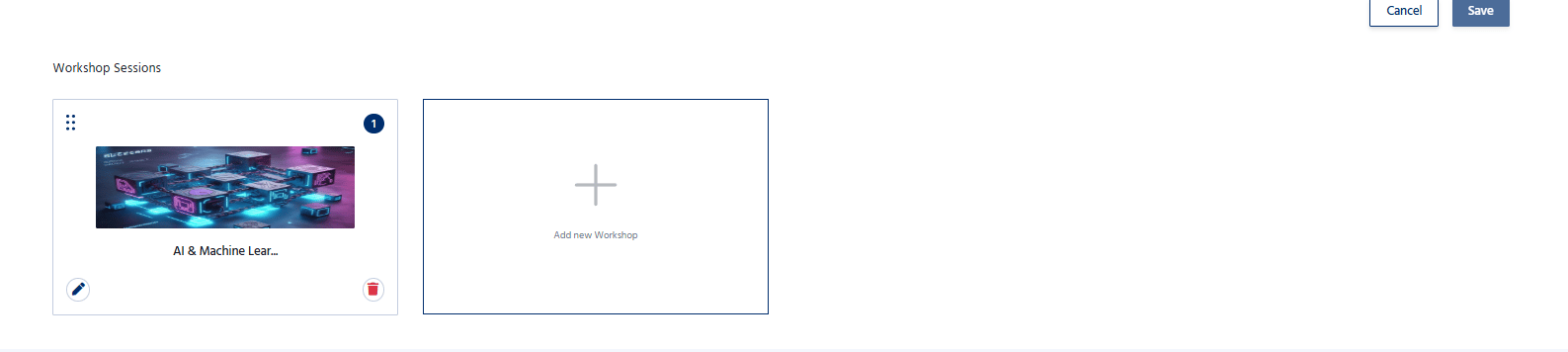
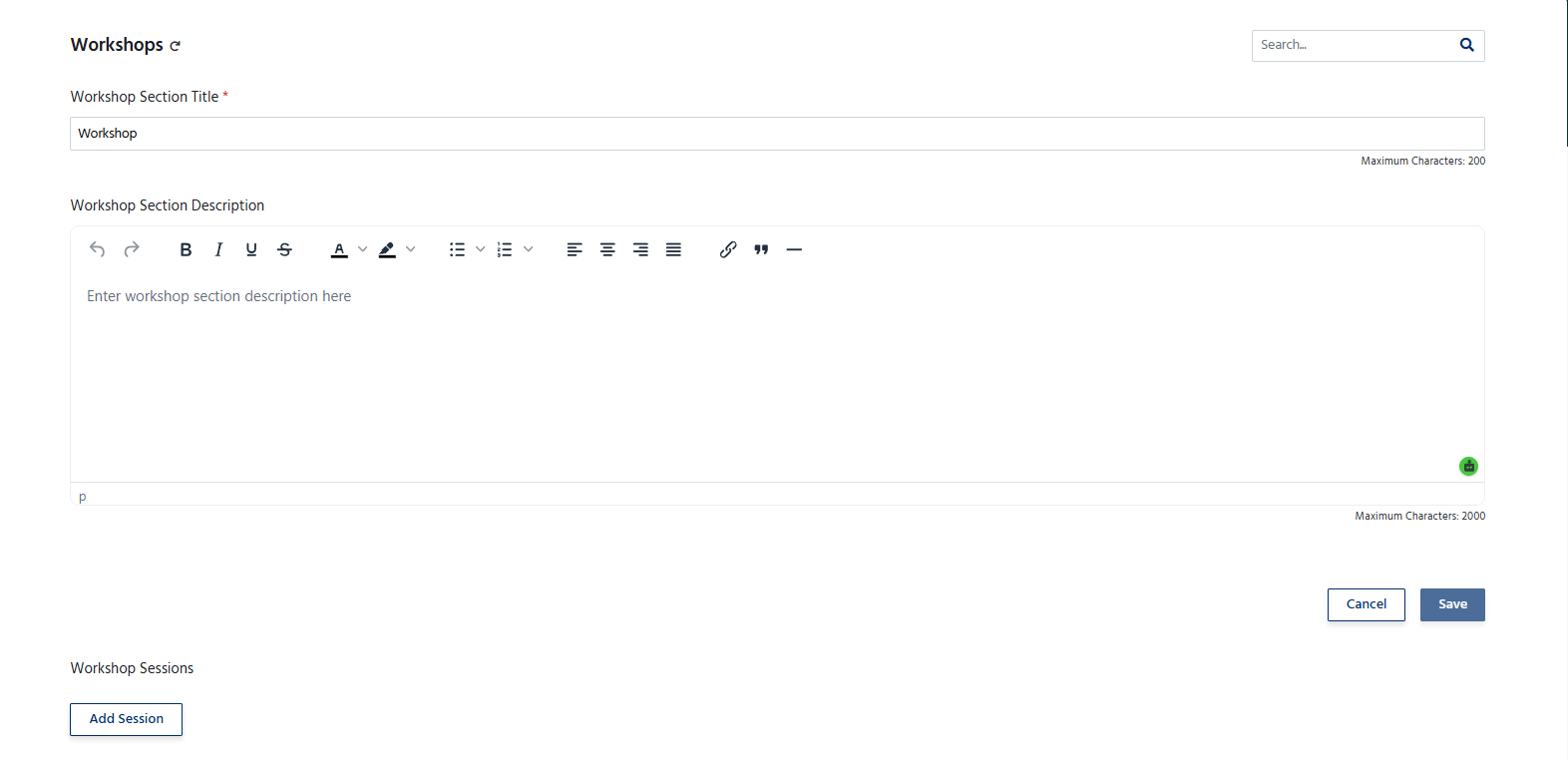
To create a new workshop:- Navigate to the Workshops section.
- Click Add Workshop.
- Enter the workshop details, including:
- Workshop Title – The name of the workshop.
- Description – A brief overview of the workshop and its objectives.
- Date – Select the workshop date.
- Start Time and End Time – Specify the workshop schedule.
- Venue/Location – Enter the workshop location or virtual meeting details.
- Speaker/Instructor – Assign the workshop facilitator or speaker.
- Click Save to add the workshop.
Manage Workshops
The Workshops section allows organizers to:- Add multiple workshops for an event.
- Edit workshop details at any time.
- Update schedules, speakers, or venue information.
- Remove workshops that are no longer required.
- Manage participant registration for individual workshops.
-