Add a Partner
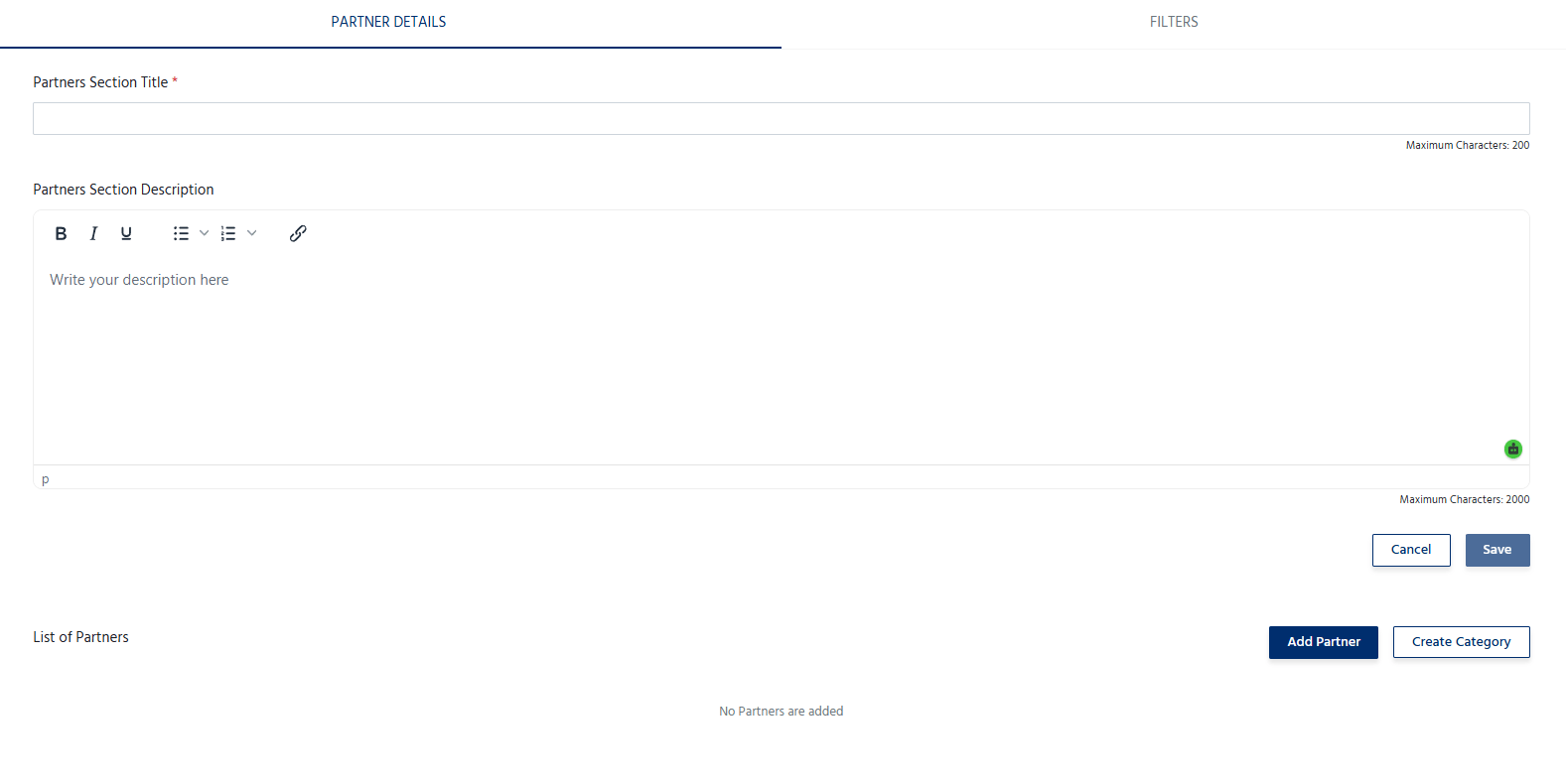
To add a partner:- Navigate to the Partners section.
- Click Add Partner.
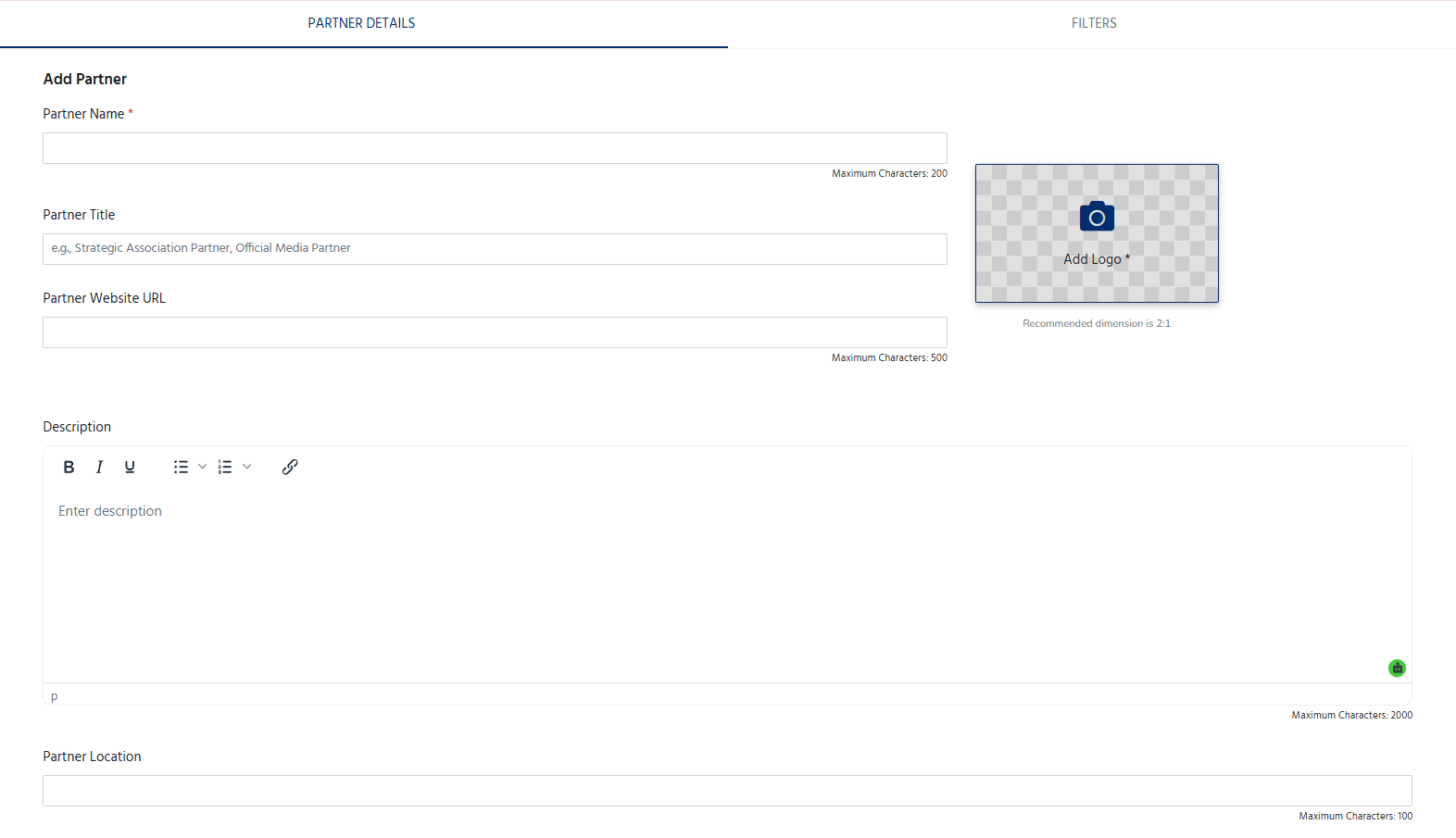
- Enter the partner’s details, including:
- Partner Name – The official name of the partner organization.
- Partner Logo – Upload a high-quality logo.
- Partner Category – Select or specify the type of partnership (e.g., Community Partner, Media Partner, Technology Partner, Knowledge Partner, Academic Partner).
- Website URL – Add the partner’s official website (optional).
- Description – Provide a brief overview of the organization and its role in the event (optional).
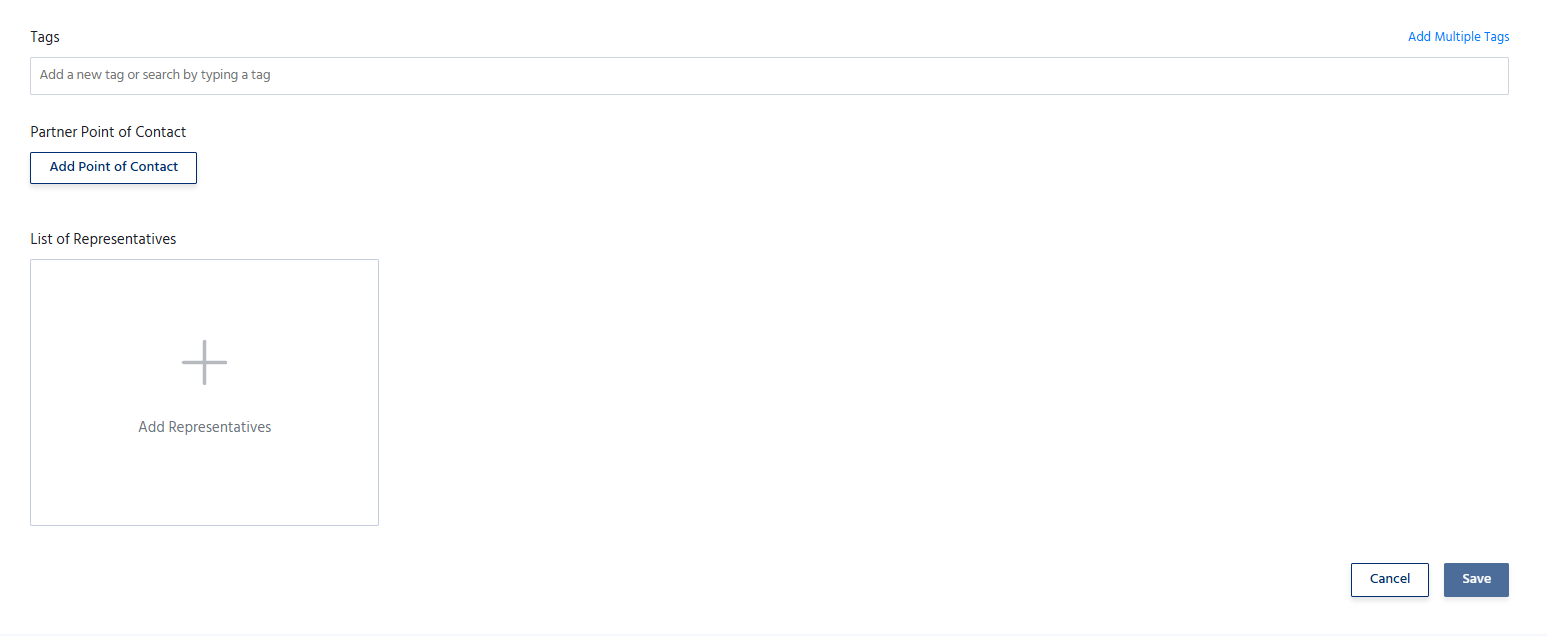
- Add the tags, Point of contact and representatives.
- Click Save to publish the partner on the event page.
Manage Partners
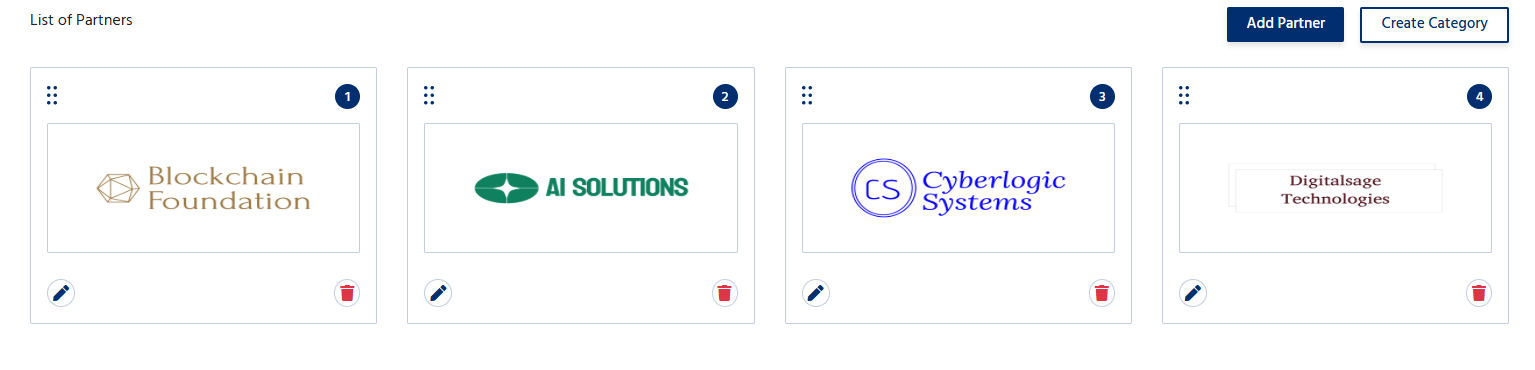
The Partners section allows organizers to:- Add multiple partners.
- Edit partner information at any time.
- Update logos, descriptions, or website links.
- Remove partners who are no longer associated with the event.
- Organize partners based on their partnership category or display order.