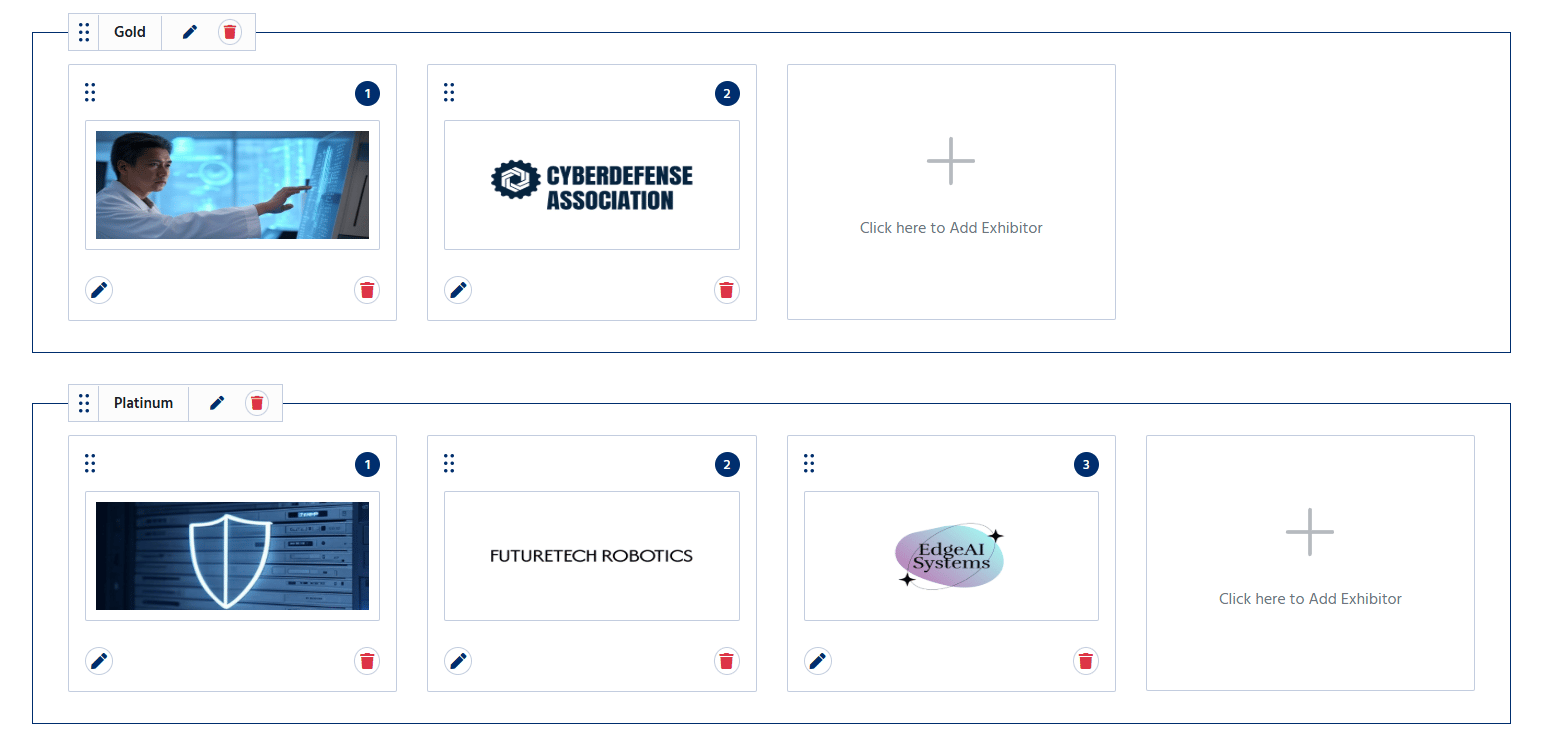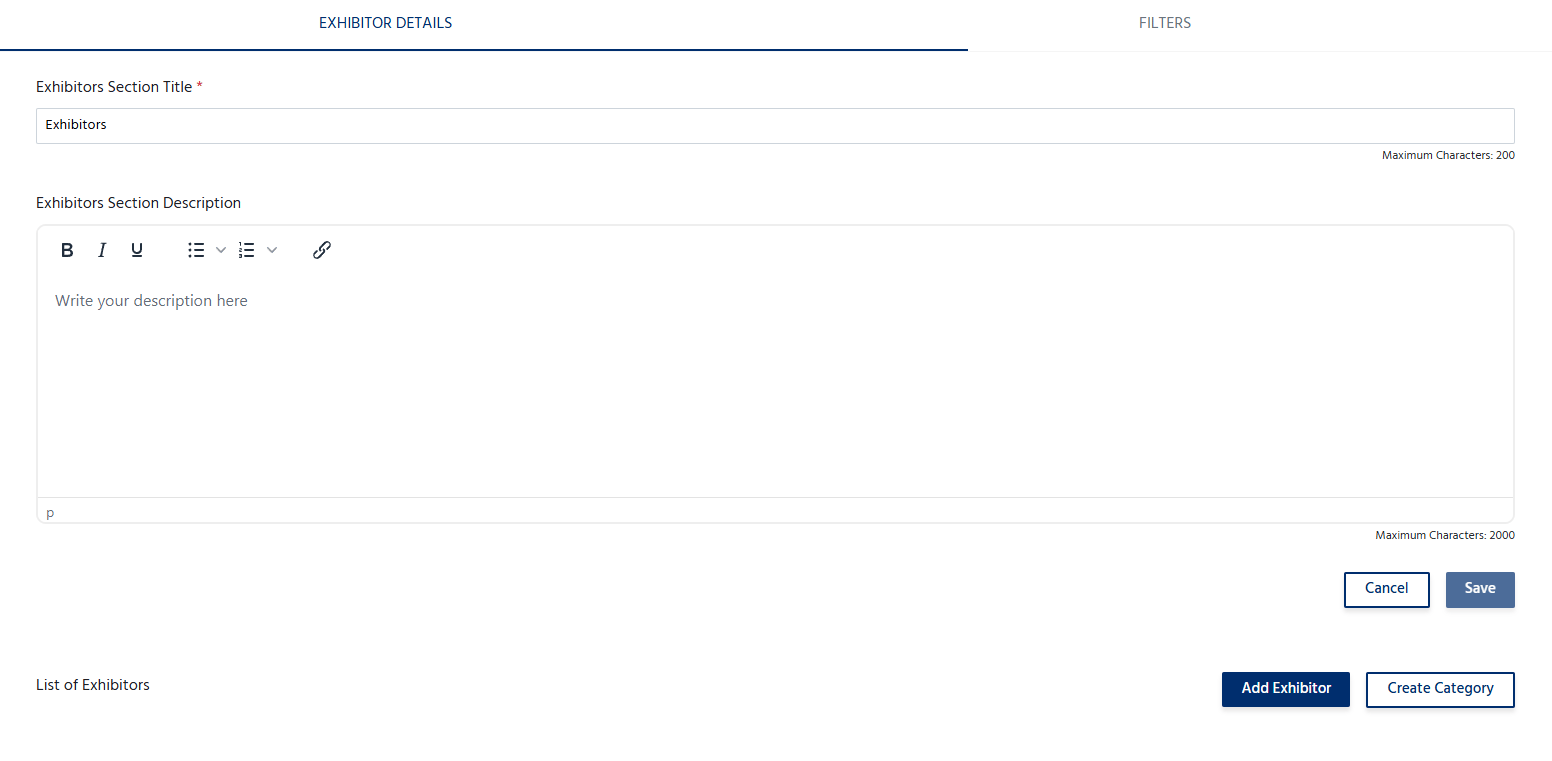
Add an Exhibitor
To add an exhibitor:- Navigate to the Exhibitors section.
- Click Add Exhibitor.
- Enter the exhibitor’s details, including:
- Exhibitor Name – The official name of the exhibiting company or organization.
- Logo – Upload the exhibitor’s logo.
- Description – Provide a brief overview of the exhibitor, products, or services.
- Website – Add the exhibitor’s official website (optional).
- Contact Information – Enter an email address or phone number for attendee inquiries (if applicable).
- Booth Number/Location – Specify the exhibitor’s booth or exhibition area (if applicable).
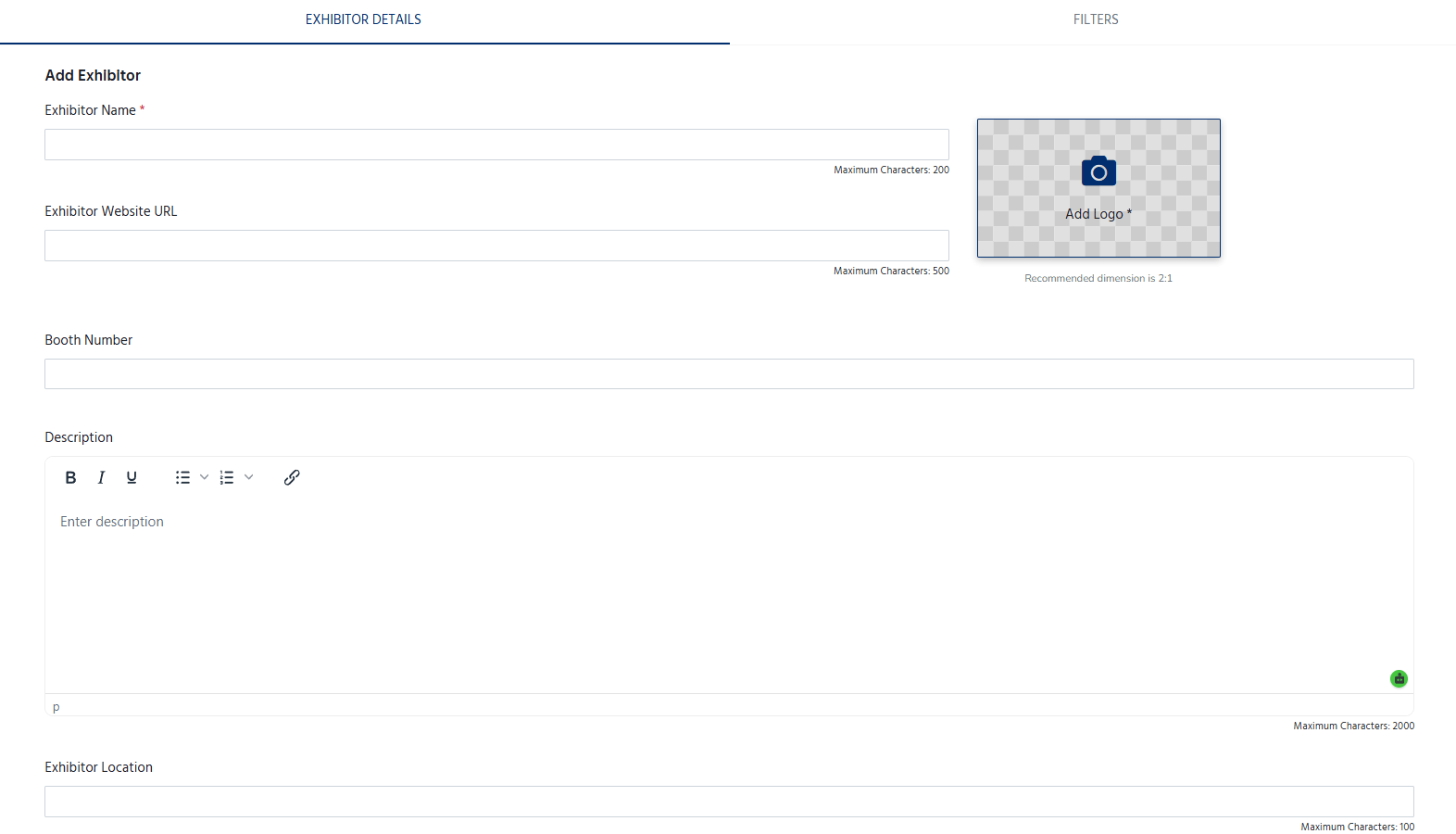
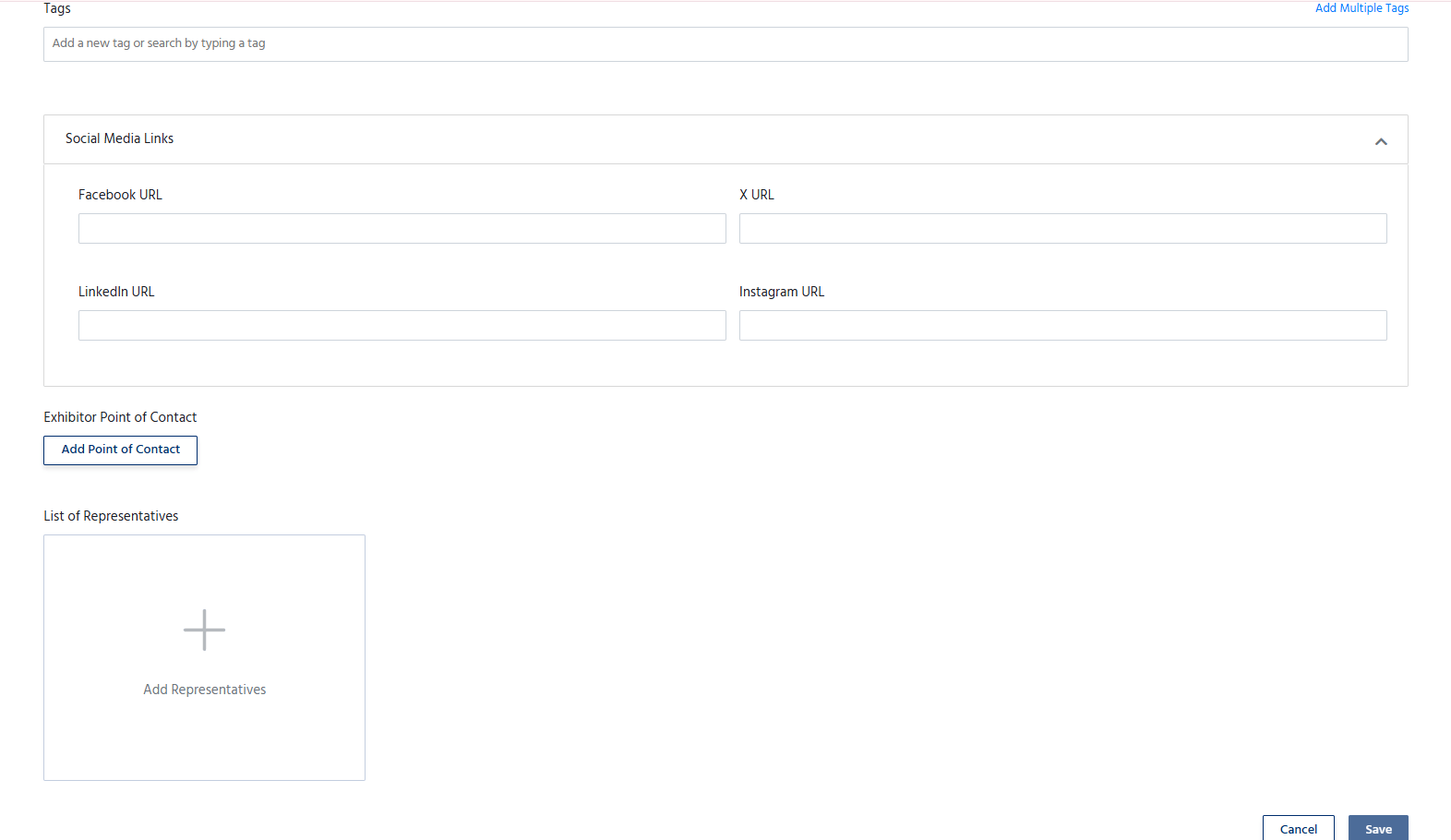
- Add the tags, Social Media link, Point of contact and representatives.
- Click Save to publish the exhibitor on the event page.
Manage Exhibitors
The Exhibitors section allows organizers to:- Add multiple exhibitors.
- Edit exhibitor information at any time.
- Update logos, descriptions, websites, or contact details.
- Remove exhibitors who are no longer participating.
- Organize the display order of exhibitors, if supported.