Add a Speaker
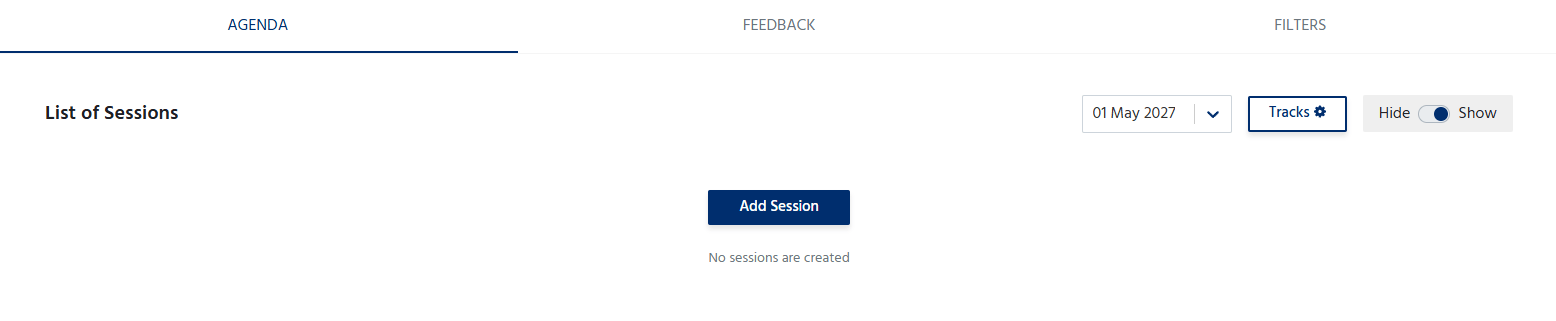
To add a speaker:- Click Add Speaker.
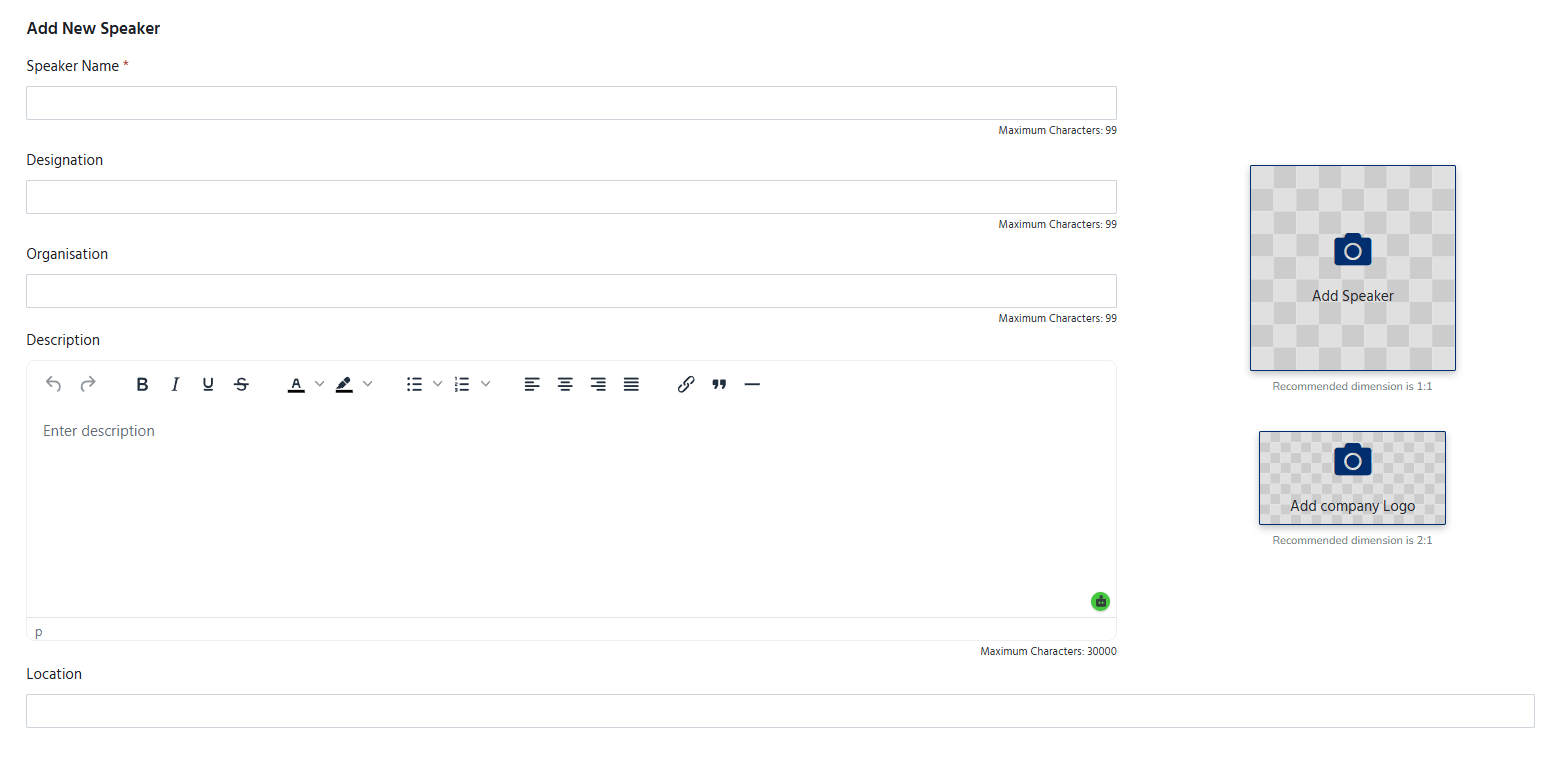
- Enter the speaker’s details, including:
- Name – Full name of the speaker.
- Designation – Current job title or role.
- Organization – Company or organization the speaker represents.
- Profile Photo – Upload a professional image of the speaker.
- Description – A brief introduction highlighting the speaker’s background, expertise, and achievements.
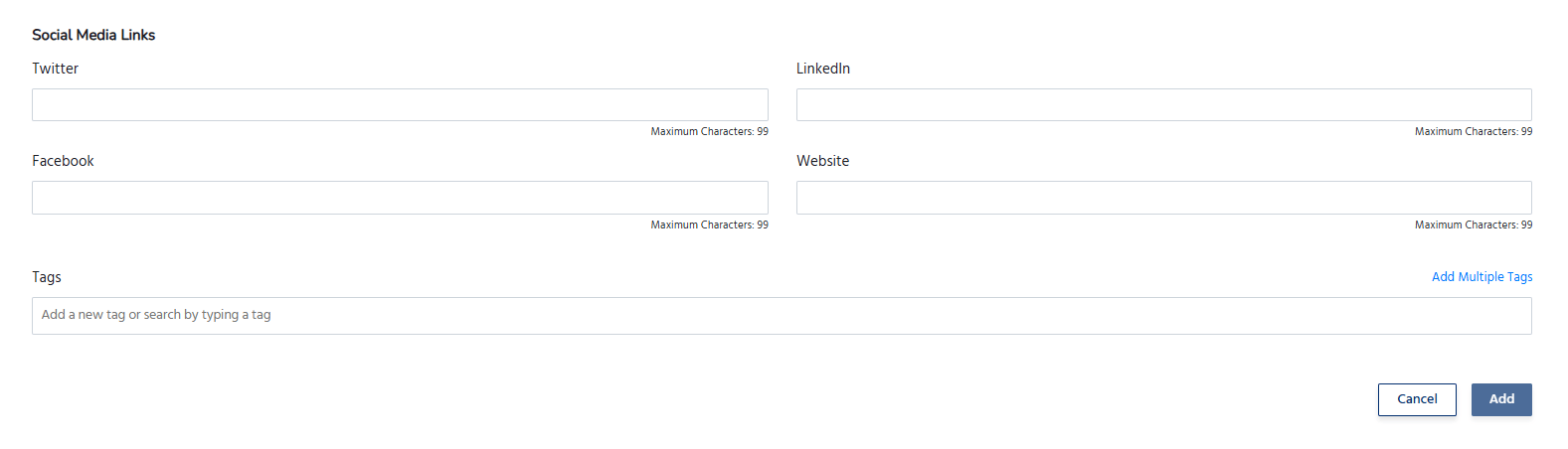
- Social Media Links (if applicable) – Add links to platforms such as LinkedIn, X (Twitter), or the speaker’s personal website.
- Save the details to publish the speaker on the event page.
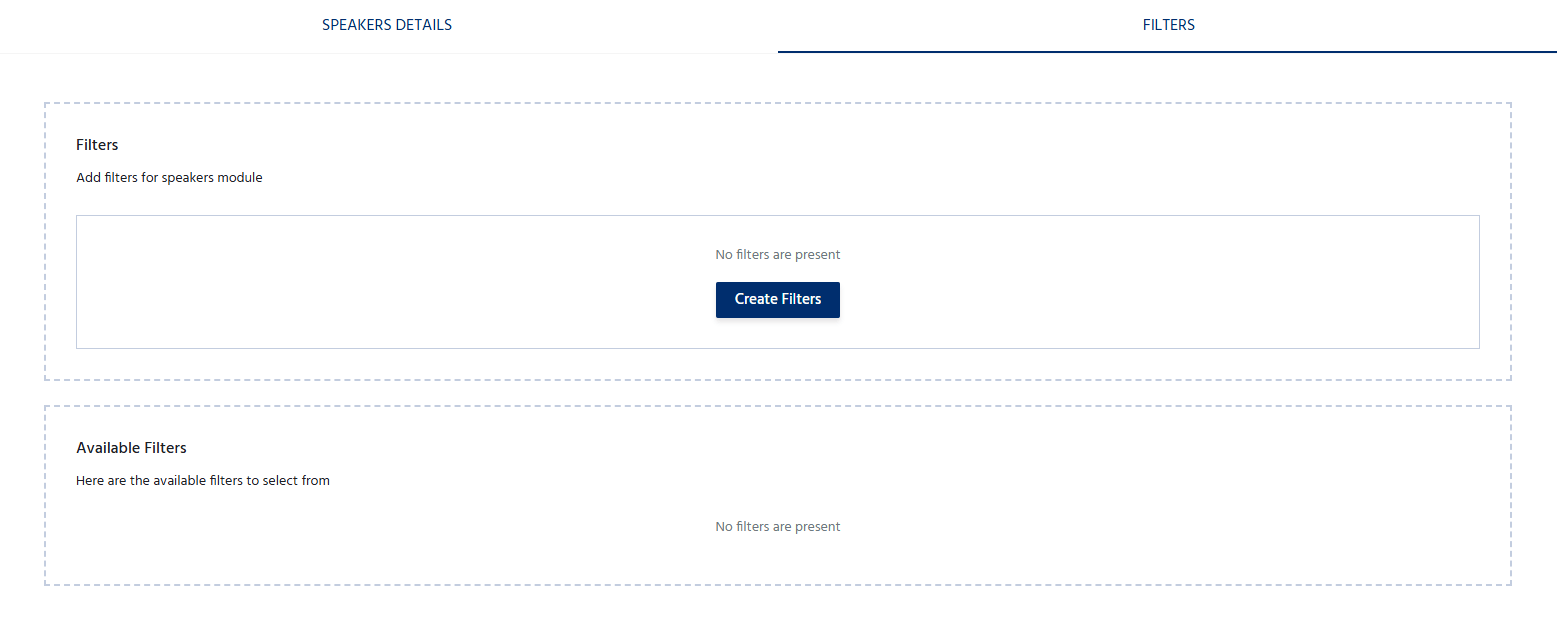
Also you can create categories of the speakers
Manage Speakers
The Speakers section allows organizers to:- Add multiple speakers for an event.
- Edit speaker information at any time.
- Update profile photos or biographies.
- Remove speakers who are no longer participating.
- Arrange the display order of speakers, if supported.
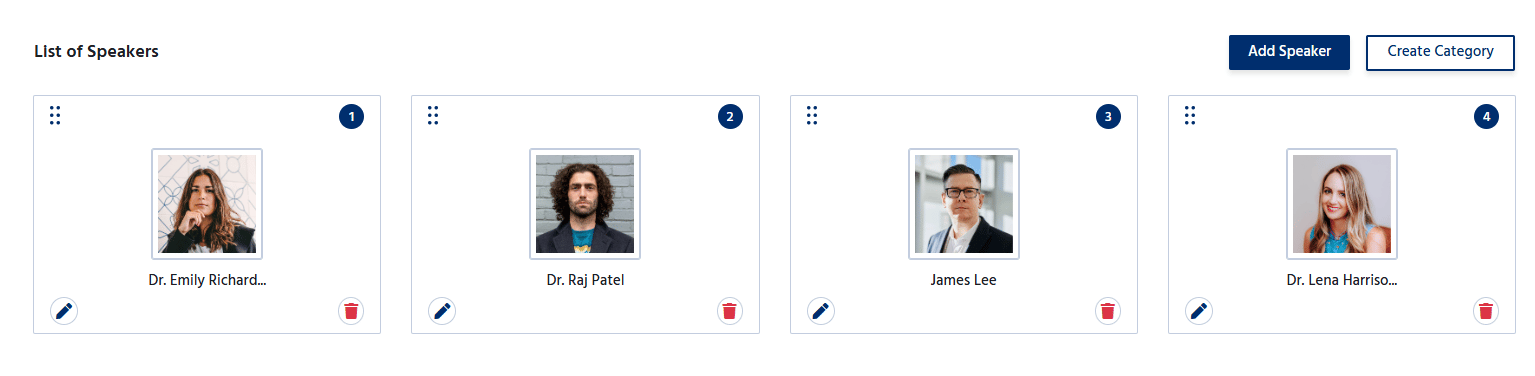
Adding speaker details helps showcase the expertise of the event’s presenters. Increase attendee interest and engagement.